
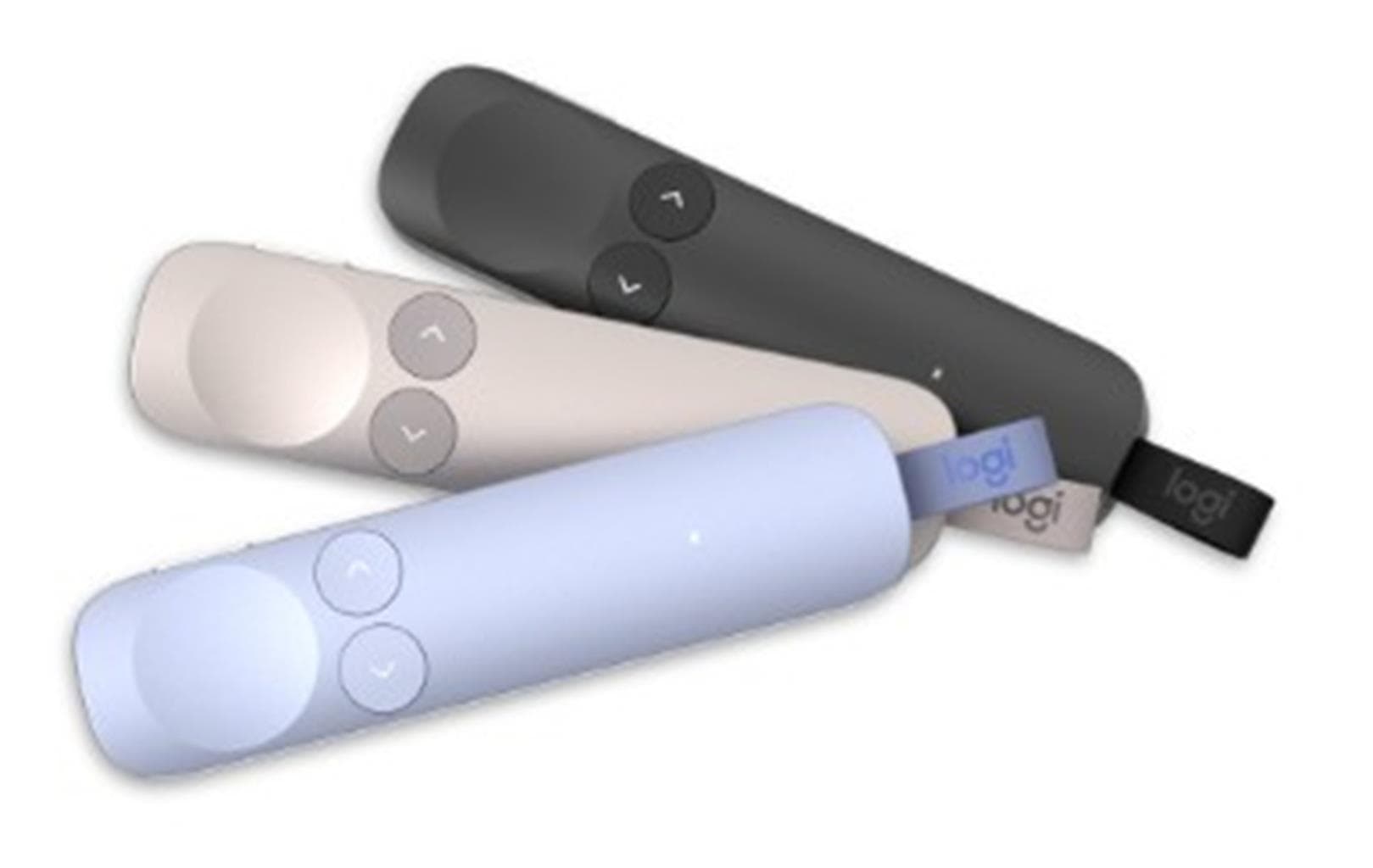

Logitech SPOTLIGHT 2 Presentation Remote - SAND
SKU: SPOTLIGHT2-SANDGadgets & Accessories › Accessories
฿3,651
Price includes 7% VATPrice updated October 5, 2026
Out of stockManufacturer's warranty
Temporarily out of stock — ask us about the restock date or an alternative model
Call us 092-251-4017Send a question to salesGenuineFree delivery from ฿5,000Tax invoice
รีโมตควบคุมการนำเสนอขั้นสูง พร้อมฟีเจอร์ส่องสว่างดิจิทัล เหมาะสำหรับผู้บรรยายในห้องประชุม ห้องเรียน หรืองานออนไลน์แบบไฮบริด
Key features
- ส่องสว่างดิจิทัล 3 โหมด: Spotlight, Magnify, Squarelight
- ระบบสัมผัสสะท้อนกลับ (Haptic Feedback) ยืนยันการกดปุ่ม
- รองรับการเชื่อมต่อ USB-C และ Bluetooth® Low Energy
- ใช้งานได้กับ PowerPoint, Zoom, Microsoft Teams, Google Slides
- ปรับแต่งปุ่มและฟีเจอร์ผ่านแอป Logi Options+
Product description
รีโมต SPOTLIGHT 2 สี SAND จาก Logitech ออกแบบมาเพื่อเสริมพลังการนำเสนอให้โดดเด่นและมีส่วนร่วมมากขึ้น ด้วยเทคโนโลยีส่องสว่างดิจิทัล (Digital Highlighting) ที่ช่วยเน้นเนื้อหาบนหน้าจอได้อย่างแม่นยำ เช่น Spotlight, Magnify, Squarelight และ Annotation พร้อมระบบสัมผัสสะท้อนกลับ (Haptic Feedback) เพื่อยืนยันการกดปุ่มโดยไม่ต้องมองลงมา รีโมตนี้รองรับการเชื่อมต่อทั้งผ่าน USB-C receiver Logi Bolt และ Bluetooth® Low Energy โดยสามารถใช้งานได้กับระบบปฏิบัติการ Windows และ macOS รวมถึงแอปพลิเคชันยอดนิยม เช่น PowerPoint, Keynote, Google Slides, Zoom, Microsoft Teams และ Blue Jeans ฟีเจอร์เสริมผ่านแอป Logi Options+ ช่วยปรับแต่งปุ่ม ความไวของปุ่มส่องสว่าง ความเข้มของแรงสั่นสะท้อน และตั้งค่าไทเมอร์การนำเสนอได้อย่างยืดหยุ่น
More features
- ควบคุมการนำเสนอแบบไฮบริดได้อย่างราบรื่น
- แบตเตอรี่ใช้งานได้นาน หลายสัปดาห์ต่อการชาร์จหนึ่งครั้ง
- ออกแบบมาเพื่อความทนทานและใช้งานง่ายในทุกสภาพแวดล้อม
- รองรับการควบคุมหน้าจอแบบหลายหน้าจอ
- ช่วยให้ผู้บรรยายมีความมั่นใจในการนำเสนอ
Pros and limitations
Pros
- ระบบส่องสว่างดิจิทัลช่วยเน้นเนื้อหาได้อย่างแม่นยำ
- มีแรงสั่นสะท้อนกลับ (Haptic Feedback) เพื่อยืนยันการกดปุ่ม
- รองรับการเชื่อมต่อทั้ง USB-C และ Bluetooth® ใช้งานได้หลากหลายสภาพแวดล้อม
- ปรับแต่งฟีเจอร์ผ่านแอป Logi Options+ ได้อย่างละเอียด
- ใช้งานได้กับแอปพลิเคชันการนำเสนอที่นิยมทั้งหมด
Limitations
- ต้องติดตั้งแอป Logi Options+ เพื่อใช้งานฟีเจอร์ขั้นสูง
- ไม่มีปุ่มสำหรับควบคุมเสียงโดยตรง
Who it is for
เหมาะสำหรับผู้บรรยายในห้องประชุม ครูอาจารย์ หรือพนักงานขายที่ต้องนำเสนอข้อมูลแบบไฮบริด ทั้งออนไลน์และออฟไลน์
Specifications (26)
- สี
- SAND
- น้ำหนัก
- 2.91 kg CO2e carbon footprint
- Materials
- Plastic, aluminum (design elements)
- อายุการใช้งานแบตเตอรี่
- Up to several weeks on a single charge
- Pointer Mode
- Customizable pointer speed and size via Logi Options+
- พอร์ตชาร์จ
- USB-C
- ความเข้ากันได้
- Windows, macOS, PowerPoint, Keynote, Google Slides, Zoom, Microsoft Teams, Blue Jeans
- ไฟแสดงสถานะ
- White LED (blinks rapidly in pairing mode)
- Timer Feature
- รองรับ, with haptic alerts
- Pairing Method
- USB-C receiver plug-in or Bluetooth® pairing
- การเชื่อมต่อ
- USB-C receiver (Logi Bolt), Bluetooth® Low Energy
- Haptic Feedback
- รองรับ
- Highlight Modes
- Spotlight, Magnify, Squarelight, Annotation
- Re-pairing Mode
- Hold Back + Next buttons for 3 seconds until LED blinks rapidly
- Power Management
- Keeps computer awake during presentation
- อุปกรณ์ในกล่อง
- USB-C receiver, user documentation
- Customization Options
- Button actions, haptic intensity, pointer speed, highlighting sensitivity
- Action Button Function
- Activate physical laser, customizable actions (start/pause/mute, hide slides)
- Firmware Update Support
- Via Logi Options+
- Button Press Sensitivity
- Adjustable via Logi Options+
- ระบบปฏิบัติการที่รองรับ
- Windows, macOS
- Highlight Button Function
- Activate digital highlighting effects
- Plug-and-Play Functionality
- Highlight button (mouse cursor), Next/Back buttons (slide navigation), Action button (laser)
- Presentation Apps Supported
- PowerPoint, Keynote, Google Slides, Prezi
- Video Conferencing Apps Supported
- Zoom, Microsoft Teams, Blue Jeans
- Software Required for Full Features
- Logi Options+ (Windows/macOS)
Datasheets and manuals straight from the manufacturer — select a document to open or download it.
13 questions
Frequently asked questions about this product
Compiled from manufacturer information
SPOTLIGHT 2 ใช้กับ Google Slides และ Zoom ได้ไหม?
ได้แน่นอน SPOTLIGHT 2 รองรับการใช้งานกับ Google Slides, Zoom, Microsoft Teams และแอปนำเสนออื่น ๆ โดยสามารถควบคุมหน้าสไลด์และใช้ฟีเจอร์ส่องสว่างดิจิทัลได้ทันทีเมื่อเชื่อมต่อผ่าน USB-C receiver หรือ Bluetooth®
ต้องติดตั้งแอป Logi Options+ ไหมถึงจะใช้งานได้?
ไม่จำเป็นสำหรับการใช้งานพื้นฐาน เช่น เลื่อนสไลด์และเปิดเลเซอร์ แต่หากต้องการใช้ฟีเจอร์ขั้นสูง เช่น ส่องสว่างดิจิทัล, ปรับความไวปุ่ม, หรือตั้งค่าไทเมอร์ จำเป็นต้องติดตั้งแอป Logi Options+ บน Windows หรือ macOS
ใช้กับ Mac และ Windows ได้ไหม?
ได้ SPOTLIGHT 2 รองรับทั้งระบบปฏิบัติการ Windows และ macOS โดยสามารถเชื่อมต่อผ่าน USB-C receiver หรือ Bluetooth® ได้ทันที และใช้งานร่วมกับแอปนำเสนอทั้งหมดได้อย่างราบรื่น
แบตเตอรี่ใช้งานได้นานแค่ไหน?
แบตเตอรี่สามารถใช้งานได้นานหลายสัปดาห์ต่อการชาร์จหนึ่งครั้ง โดยขึ้นอยู่กับการใช้งาน แต่ Logitech ระบุว่าสามารถใช้งานได้นานหลายสัปดาห์ในโหมดปกติ พร้อมระบบชาร์จผ่านพอร์ต USB-C
ต้องมี receiver แยกไหม?
ไม่จำเป็น คุณสามารถเชื่อมต่อผ่าน Bluetooth® Low Energy โดยตรงได้ทันที แต่หากต้องการความเสถียรสูงสุดในห้องประชุมหรืองานที่มีผู้เข้าร่วมมาก แนะนำให้ใช้ receiver Logi Bolt ที่มาพร้อมกับรีโมต
สามารถใช้ควบคุมหลายหน้าจอได้ไหม?
ได้ SPOTLIGHT 2 รองรับการควบคุมหลายหน้าจอ เช่น โปรเจกเตอร์, ทีวี, หรือหน้าจอในระบบไฮบริด โดยฟีเจอร์ส่องสว่างดิจิทัลจะทำงานได้ทั่วทุกหน้าจอที่เชื่อมต่อ
มีปุ่มสำหรับควบคุมเสียงไหม?
ไม่มีปุ่มเฉพาะสำหรับควบคุมเสียงโดยตรง แต่สามารถกำหนด Action Button ให้ทำหน้าที่เปิด/ปิดเสียง หรือ mute ผ่านแอป Logi Options+ ได้ตามต้องการ
ตั้งค่าฟีเจอร์ต่าง ๆ ได้อย่างไร?
สามารถตั้งค่าฟีเจอร์ต่าง ๆ เช่น ความไวของปุ่มส่องสว่าง ความเข้มของแรงสั่นสะท้อน และการตั้งค่าไทเมอร์ได้ผ่านแอป Logi Options+ บน Windows หรือ macOS ซึ่งช่วยปรับให้เหมาะกับสไตล์การนำเสนอของแต่ละคน
Is it in stock?
The Logitech SPOTLIGHT 2 Presentation Remote - SAND is temporarily out of stock. Ask us about the restock date or an alternative model at sales@gist.co.th or 092-251-4017.
How much does it cost?
The price is ฿3,651 (including 7% VAT). It is currently out of stock; ask us about the restock date at sales@gist.co.th. Business customers can request a quotation at sales@gist.co.th.
How long is the warranty?
The warranty follows the manufacturer's terms for each model; ask our sales team for the warranty period of this model. To make a warranty claim, call 092-251-4017 or 065-523-5262, or email sales@gist.co.th (Mon–Fri 9:00–18:00), then send the product with your order number to our head office, or bring it to the head office in person.
How long does delivery take?
Orders placed before 12:00 on a business day are delivered within 1–3 business days (Bangkok and vicinity) or 2–5 business days (other provinces). Free delivery on orders of ฿5,000 or more (a ฿150 delivery fee applies below this amount).
Is it genuine?
Genuine products sourced from distributors in Thailand, covered by the manufacturer's warranty. Full tax invoices are available.
Didn't find the answer you need?
Loading reviews…
Genuine products
Sourced from distributors in Thailand and covered by the manufacturer's warranty
Warranty period
According to the manufacturer's terms for each model
Covered by the manufacturer's warranty; you can make claims through GIST
Claims through GIST
Ship the product to our head office or bring it in person
Warranty conditions
- A receipt or other proof of purchase is required
- The product must not have been modified or altered
- Damage caused by misuse is not covered by the warranty
- To make a warranty claim, call 092-251-4017 or 065-523-5262, or email sales@gist.co.th (Mon–Fri 9:00–18:00), then send the product with your order number to our head office, or bring it to the head office in person.Head office: 554 Sky Nine Center, Floor 12A, Room 554/62, Asok-Din Daeng Road, Din Daeng Subdistrict, Din Daeng District, Bangkok 10400
More in Accessories
Logitech
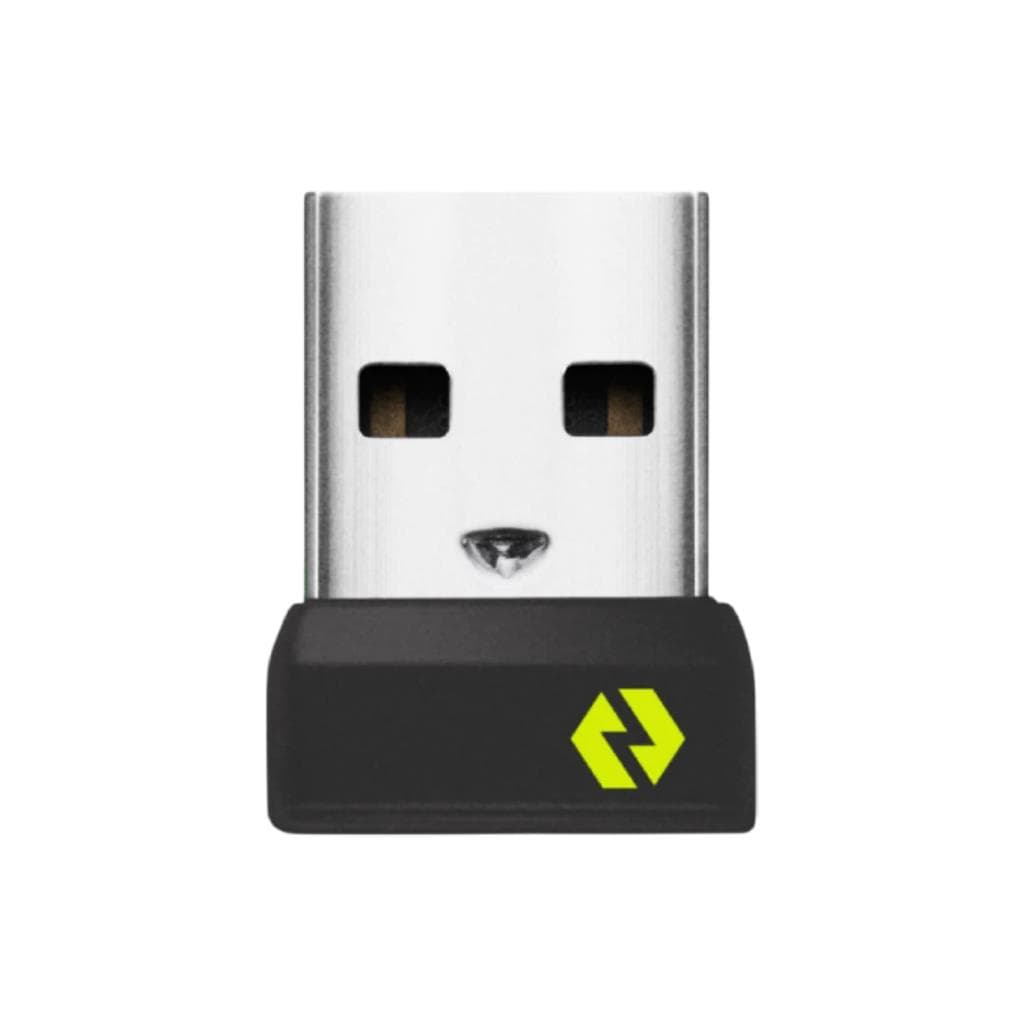
LOGITECH BOLT USB RECEIVER (Graphite) - Wireless Receiver for Mouse & Keyboard
Price on request

