
Product category
Network Switches
241 models · 86 in stock · from ฿199
Shop Network Switches at GIST Store: 241 models from leading brands such as TP-Link, Zyxel, Dahua, Hikvision, priced from ฿199 to ฿22,146. Network switches connect computers, access points, IP cameras and servers on a LAN, from unmanaged desktop switches to rack-mount managed switches with PoE, VLANs and 10G uplinks for business networks. Genuine products with the manufacturer's warranty, prices including VAT, full tax invoices, quotations for business customers and nationwide delivery.
TP-Link
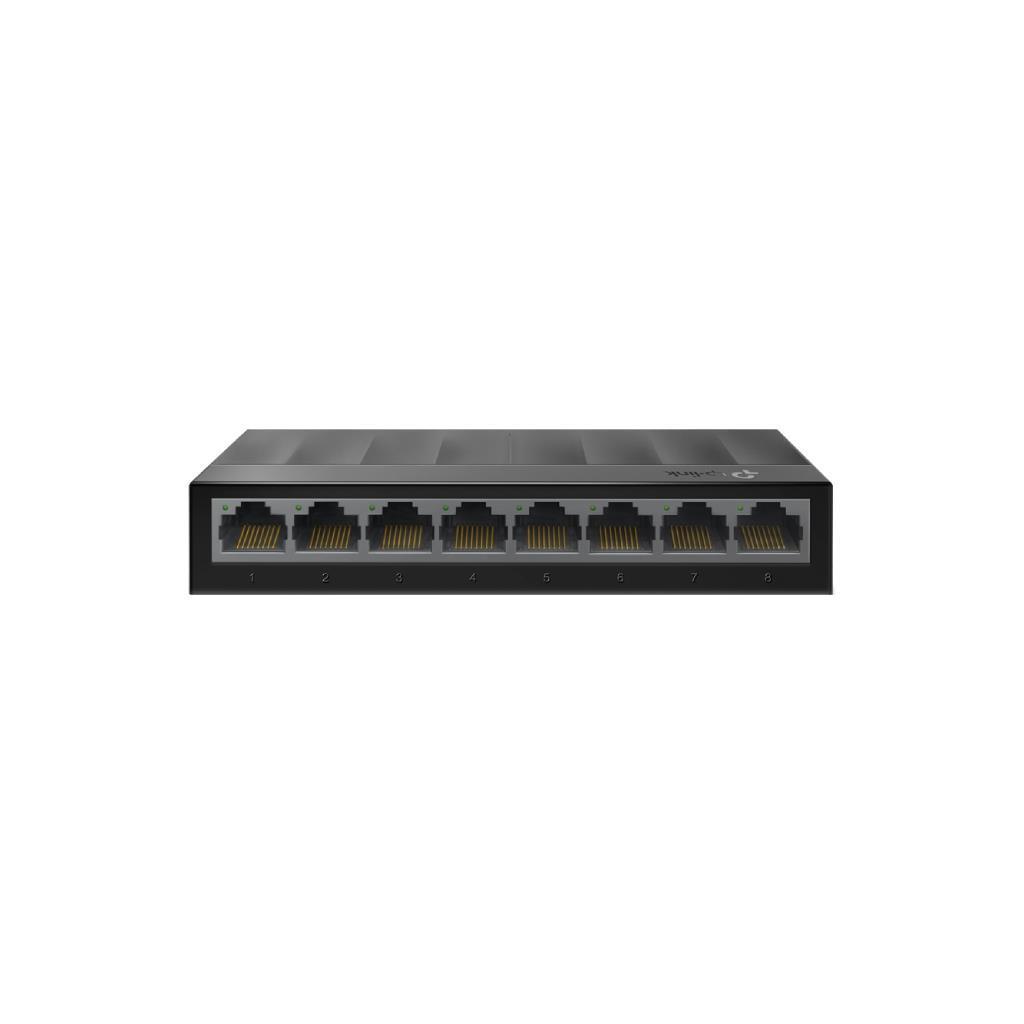
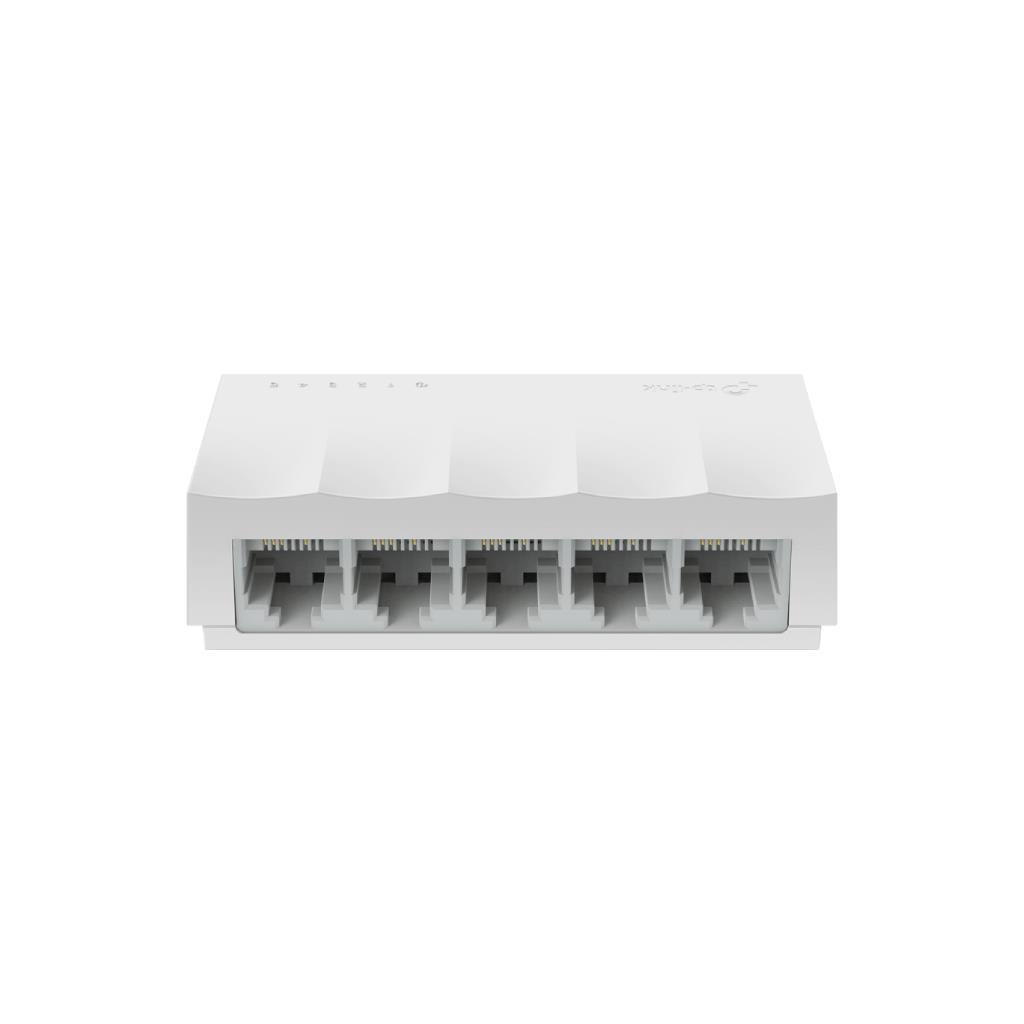
TP-Link LiteWave LS1008G 8-Port Gigabit Desktop Switch (V4.4)
SKU: LS1008G-VER4.4
฿631
Out of stock
TP-Link
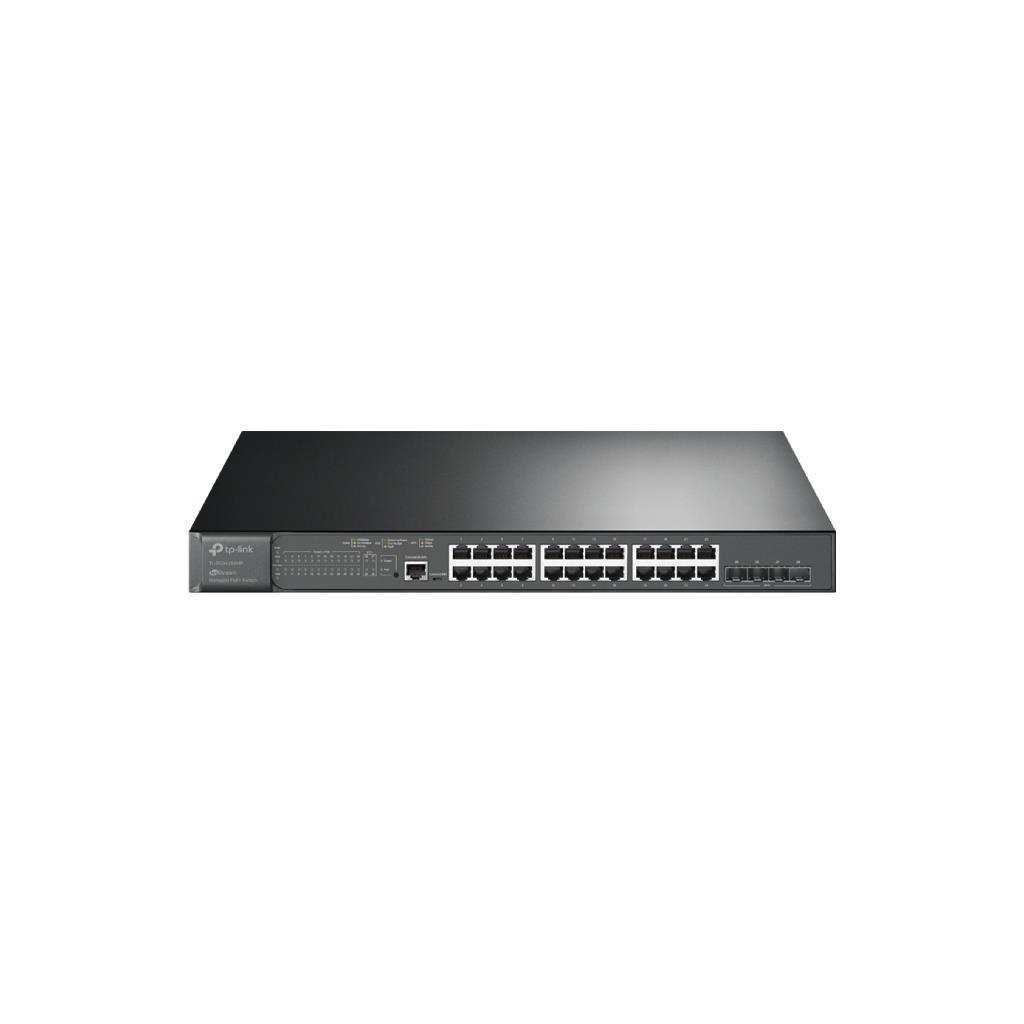
TP-Link SG3428XMP JetStream 24-Port Gigabit & 4-Port 10GE SFP+ L2+ Managed Switch with PoE+
SKU: SG3428XMP
Price on request
Out of stock
TP-Link
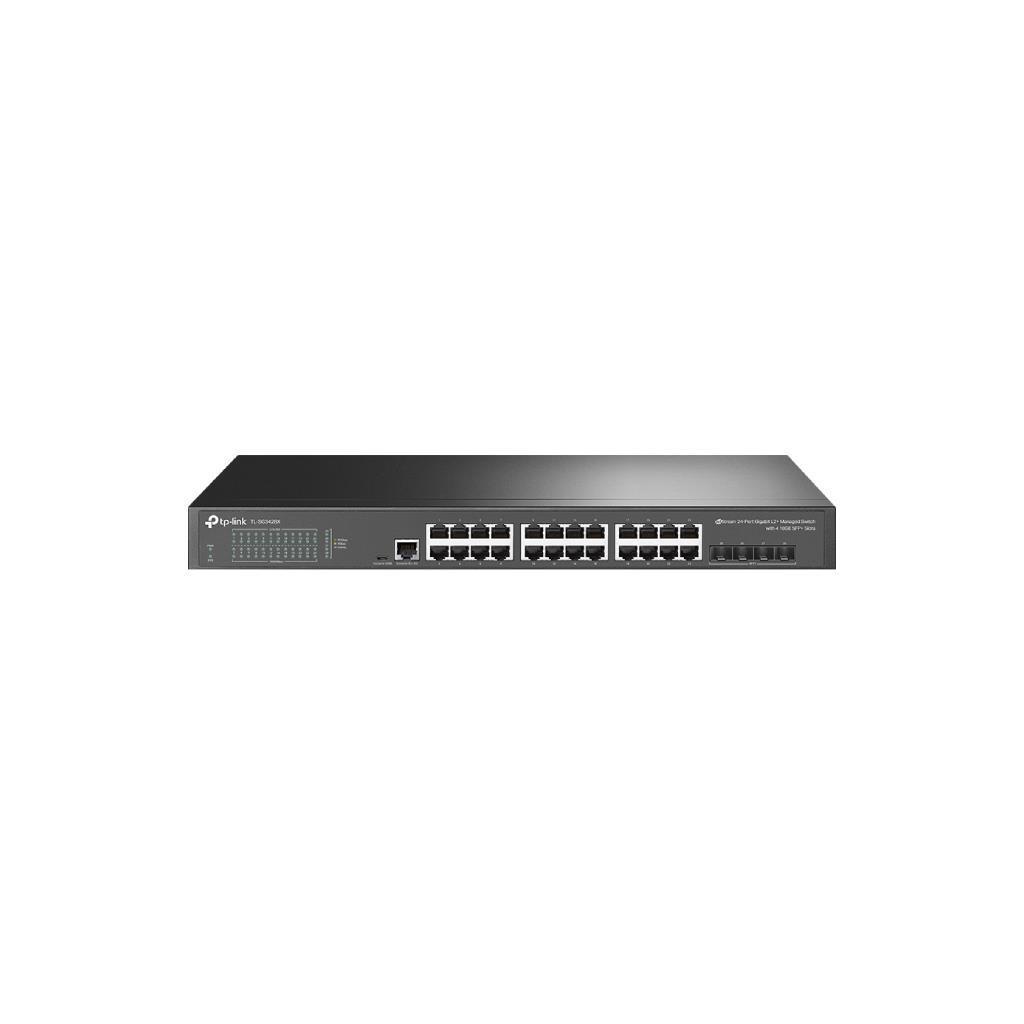
TP-Link Omada SG3428X 24-Port Gigabit L2+ Managed Switch with 4× 10GE SFP+ Slots
SKU: SG3428X-VER1.3
Price on request
Out of stock
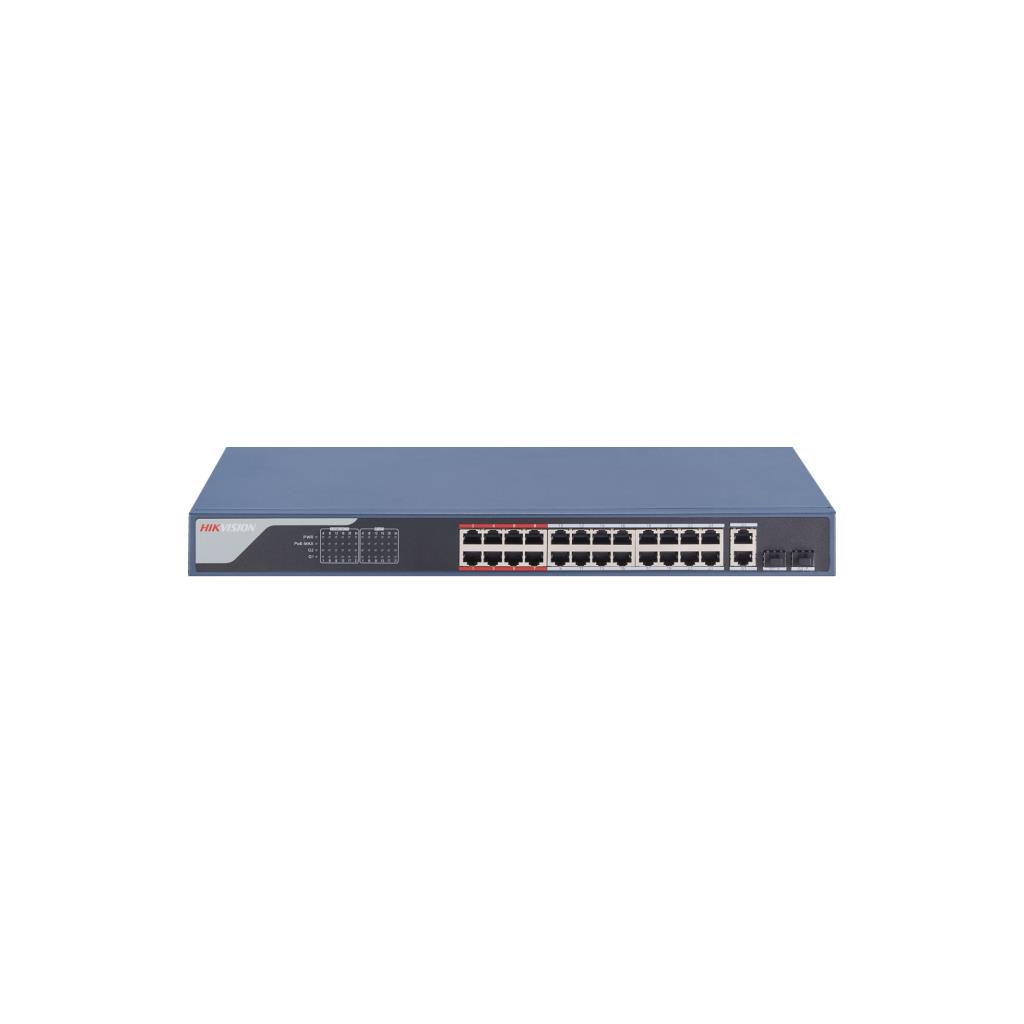
Hikvision
HIKVISION DS-3E1326P-EI/M 24-Port Smart Managed PoE Switch (230W Budget)
SKU: DS-3E1326P-EI/M
฿6,310
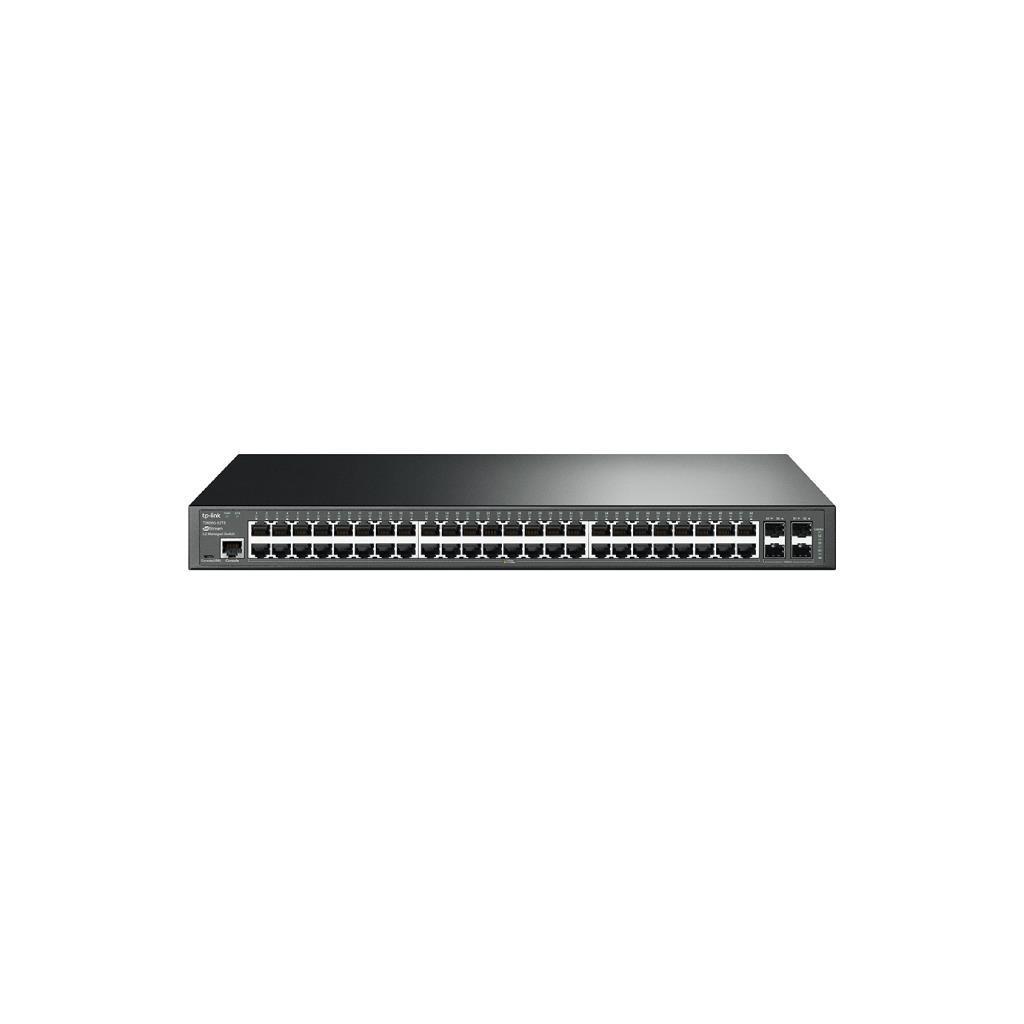
TP-Link
TP-Link Omada TL-SG3452X 48-Port Gigabit L2+ Managed Switch with 4× 10G SFP+ Slots
SKU: SG3452X
Price on request
Out of stock
Hikvision
Hikvision DS-K1T344MBFWX-E1 Face Recognition Terminal 4.5" Touchscreen
SKU: DS-K1T344MBFWX-E1
Price on request
Out of stock
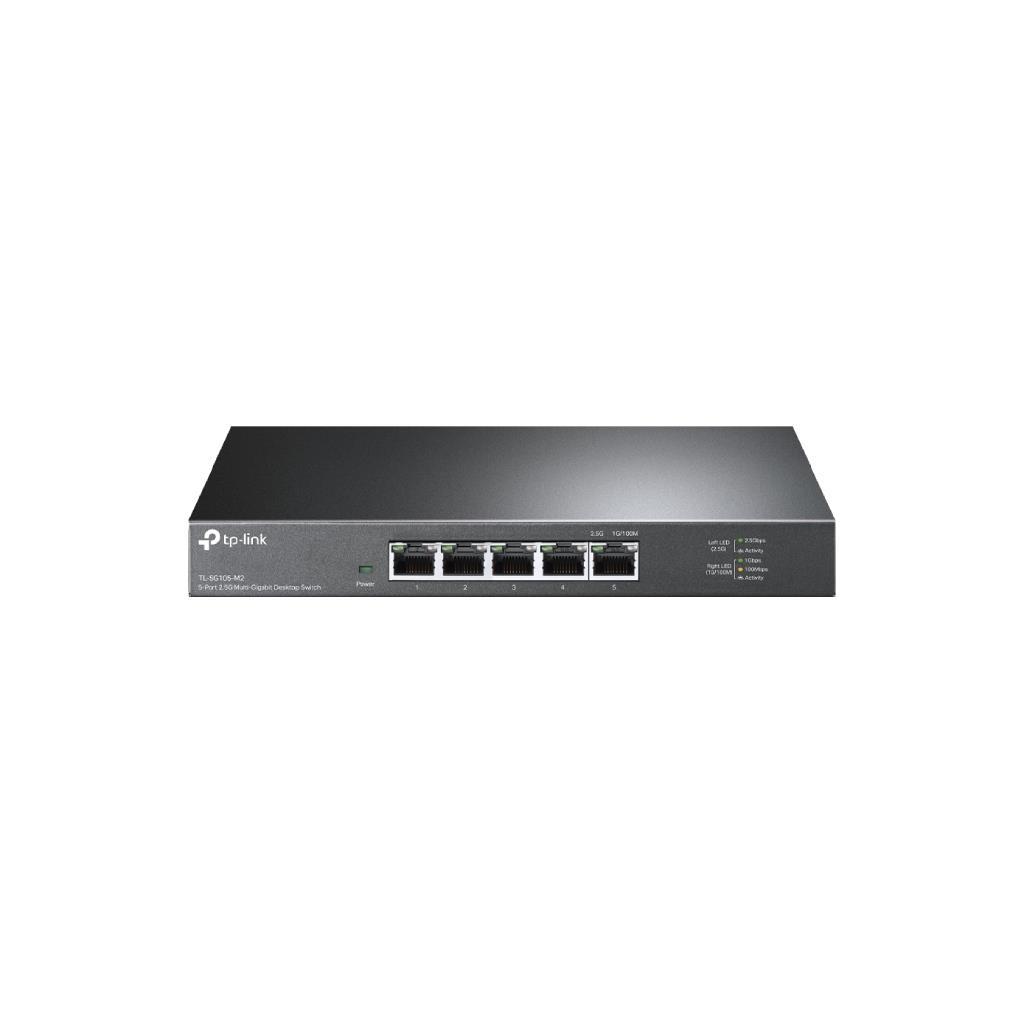
Hikvision
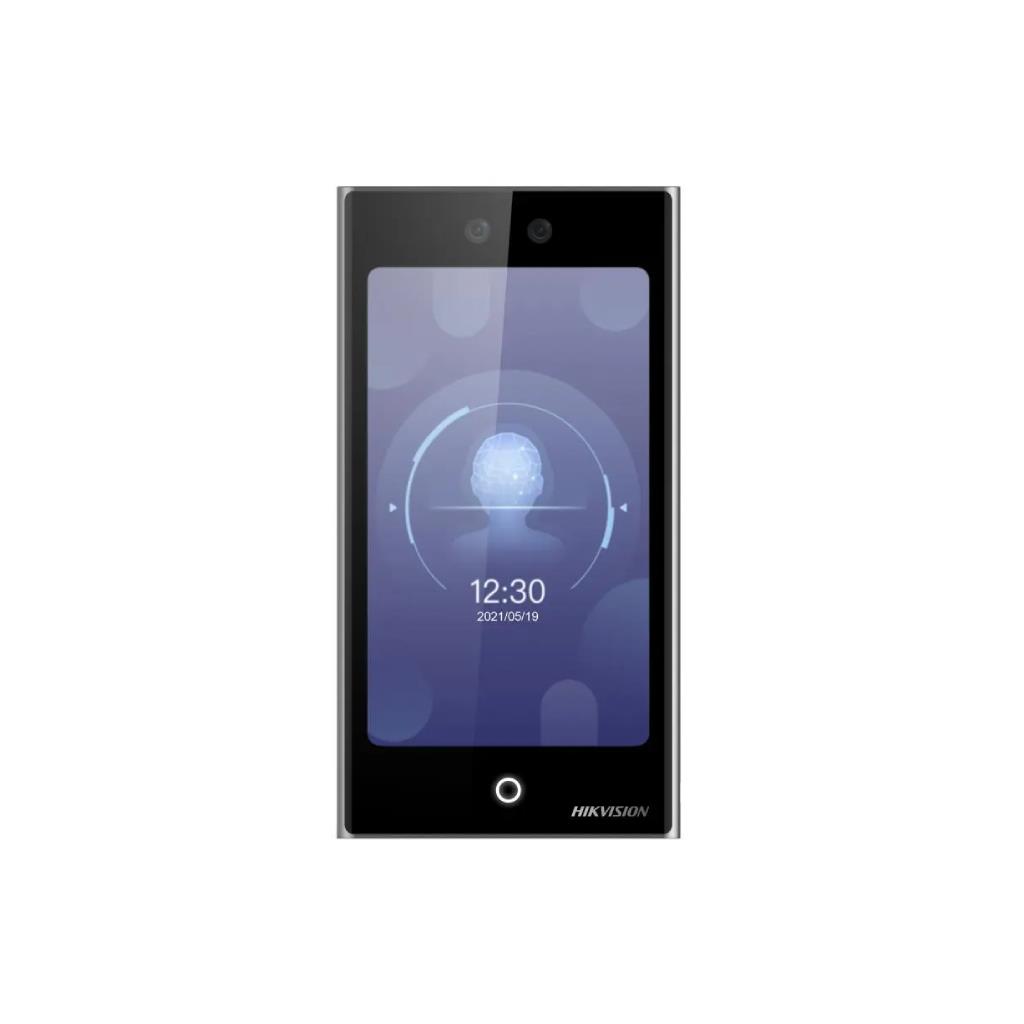
HIKVISION DS-K1T673DWX Pro Face Access Terminal 7-inch IPS Touchscreen 2MP Wide-Angle Lens
SKU: DS-K1T673DWX
฿18,265
Out of stock
Dahua
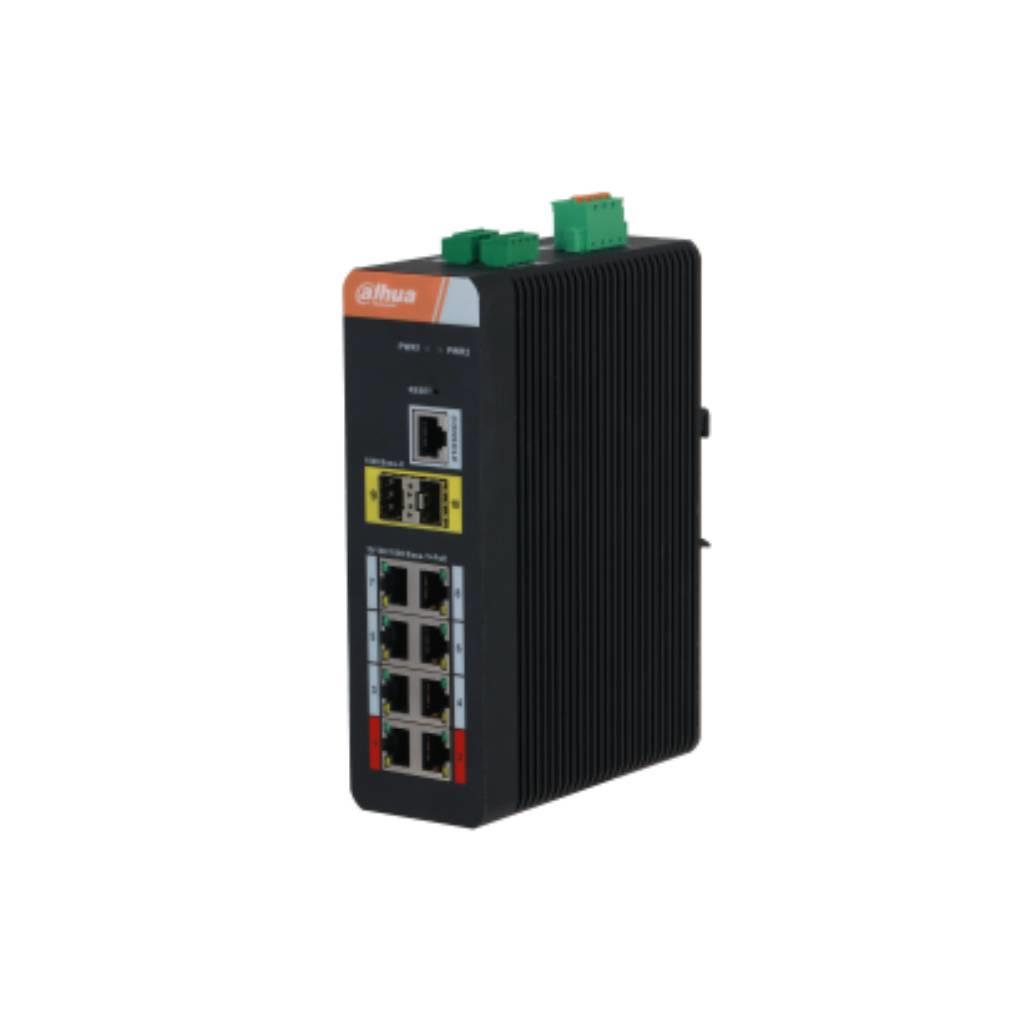
DAHUA IS4210-8GT-120 10-Port Managed Industrial Gigabit Switch 8-PoE (PoE 2.0)
SKU: DH-IS4210-8GT-120
Price on request
Out of stock
TP-Link
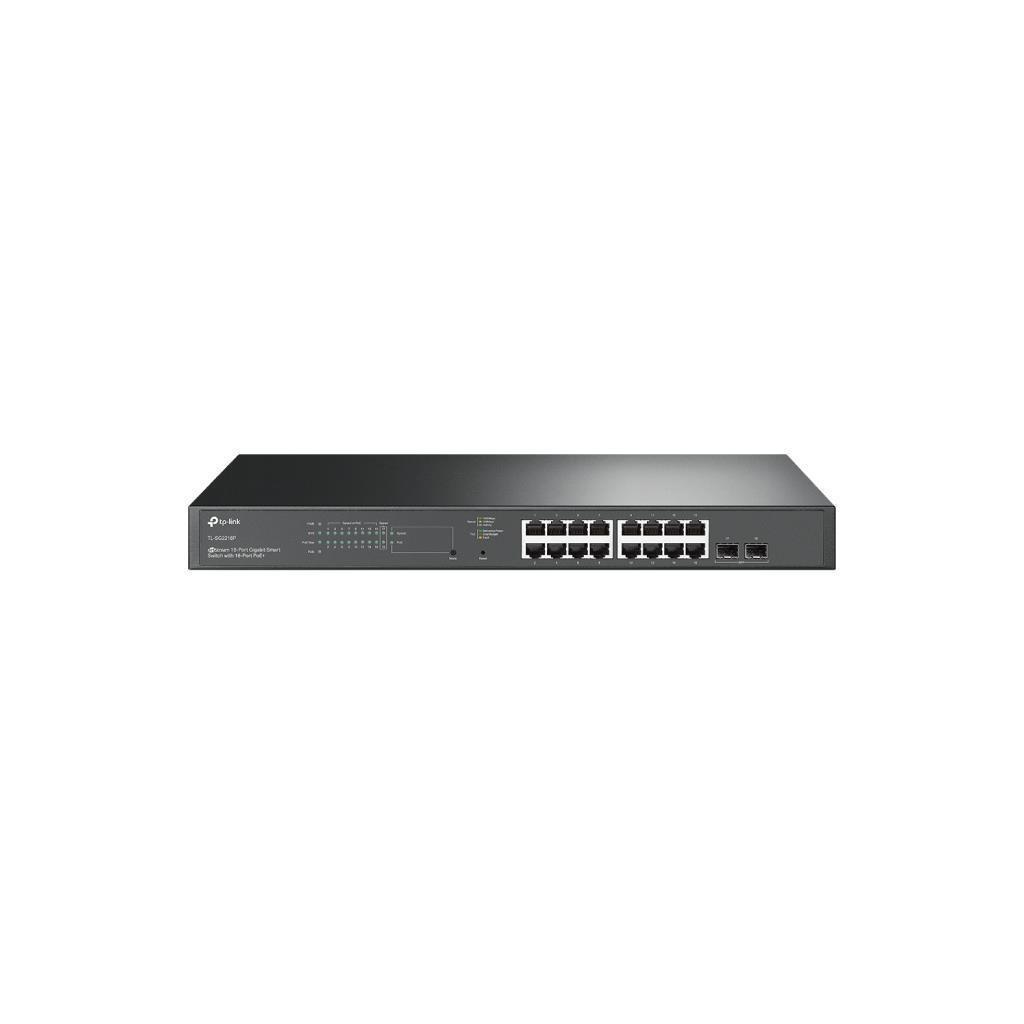
TP-Link TL-SG2218P JetStream 18-Port PoE+ Smart Switch (16x Gigabit RJ45 + 2x SFP) - Omada Compatible
SKU: SG2218P-VER2.2
฿7,850
TP-Link
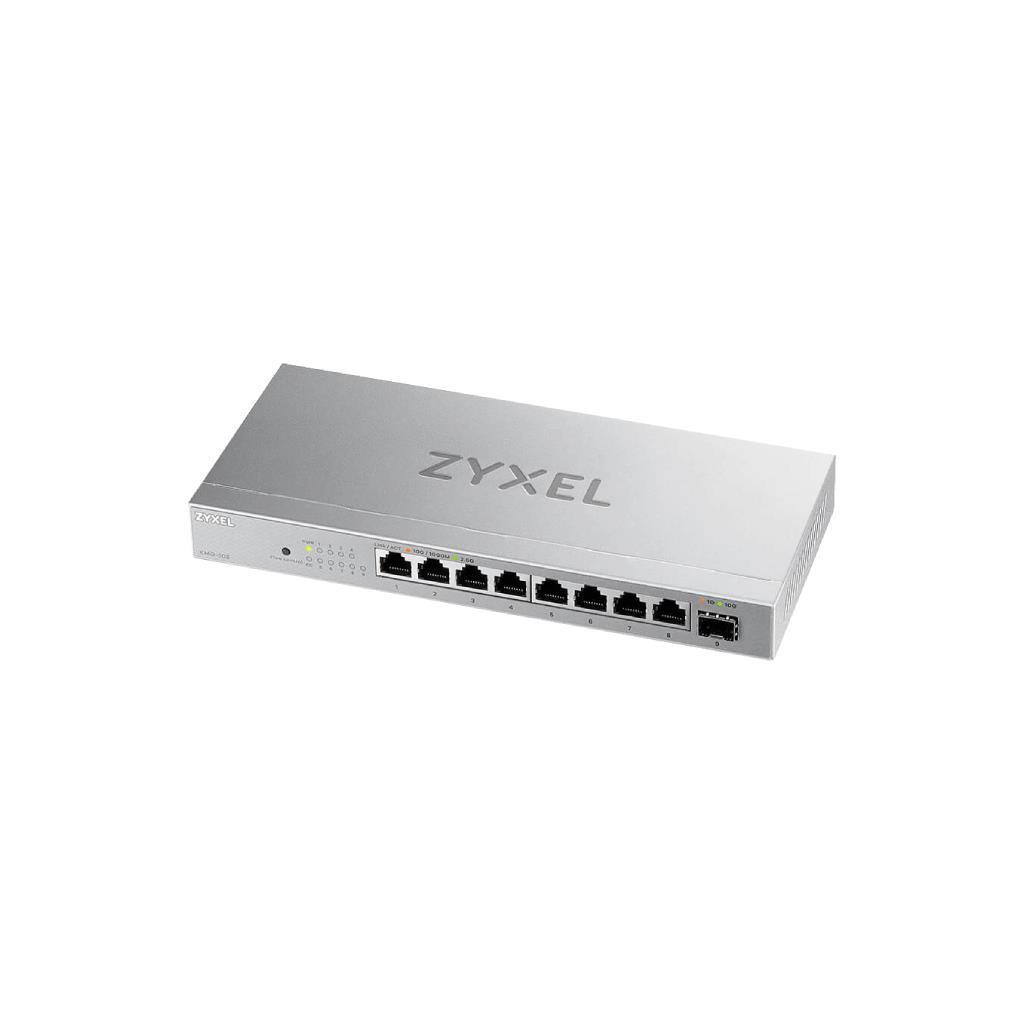
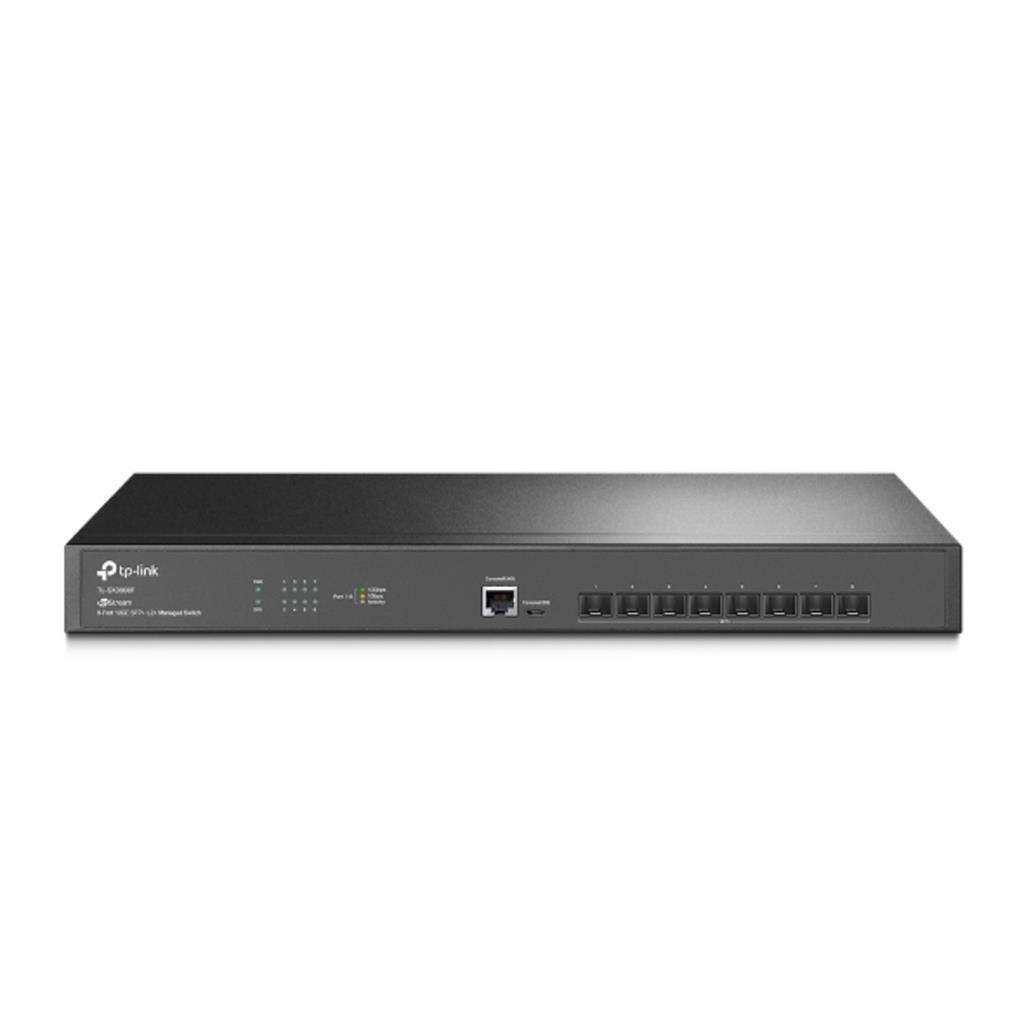
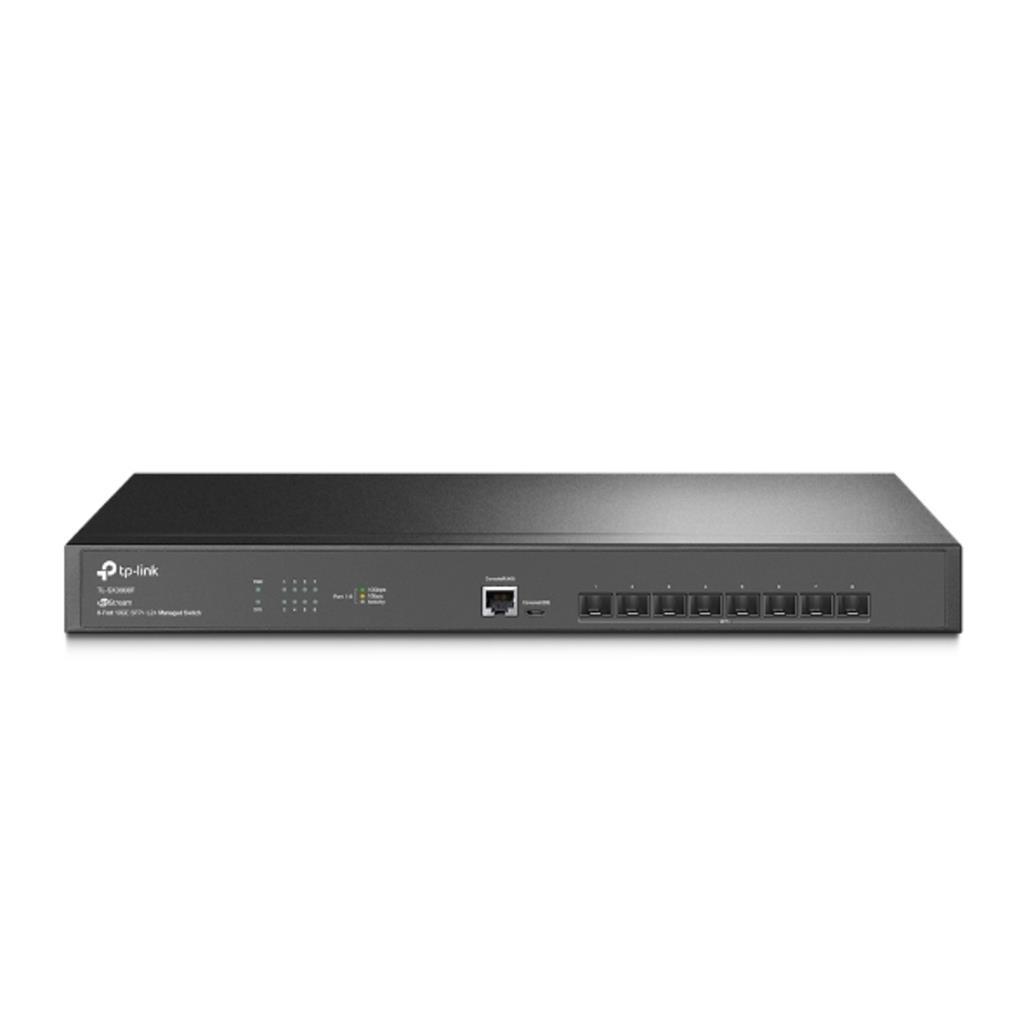
TP-Link Omada SX3008F 8-Port 10GE SFP+ L2+ Managed Switch
SKU: SX3008F
Price on request
Out of stock
Hikvision
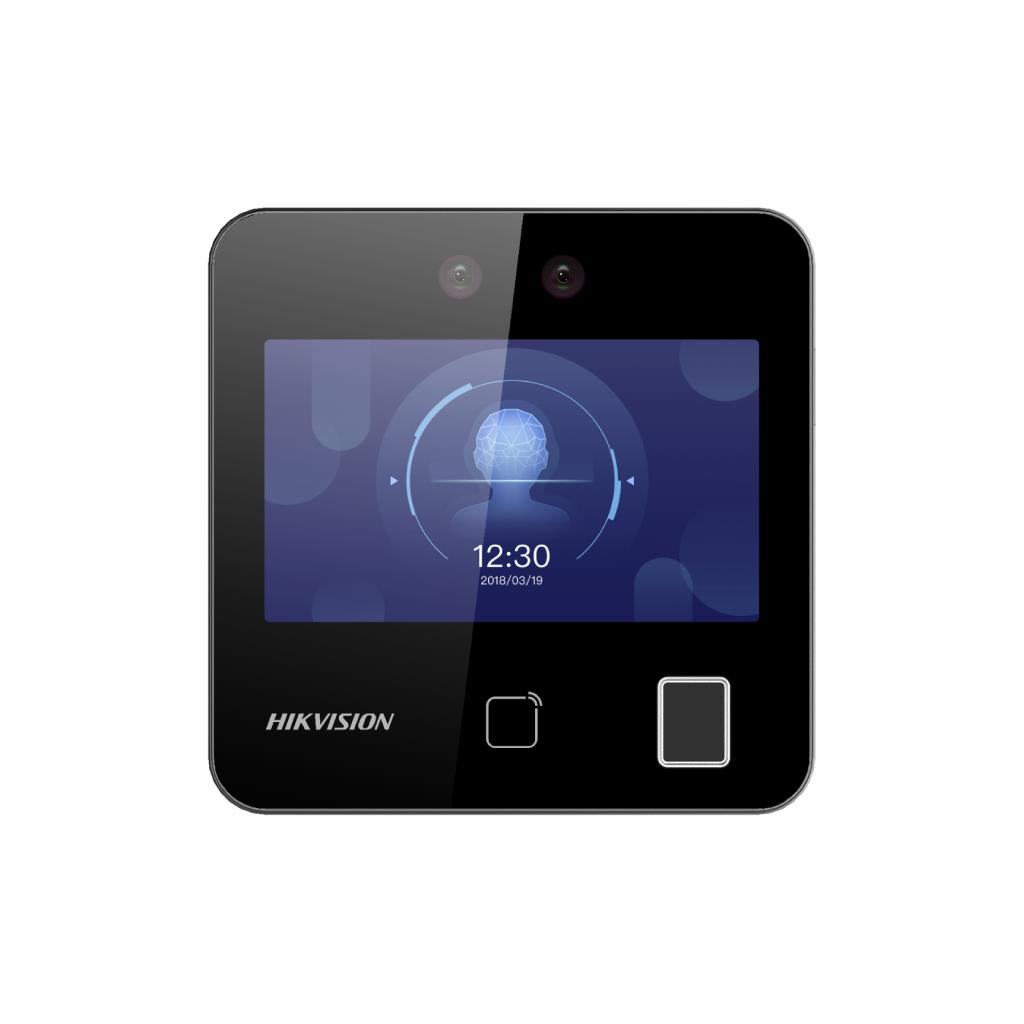
HIKVISION DS-K1T343MFWX Face Recognition Terminal 4.3-inch LCD Touch Screen 2MP Wide-Angle Lens
SKU: DS-K1T343MFWX
฿6,508
Out of stock
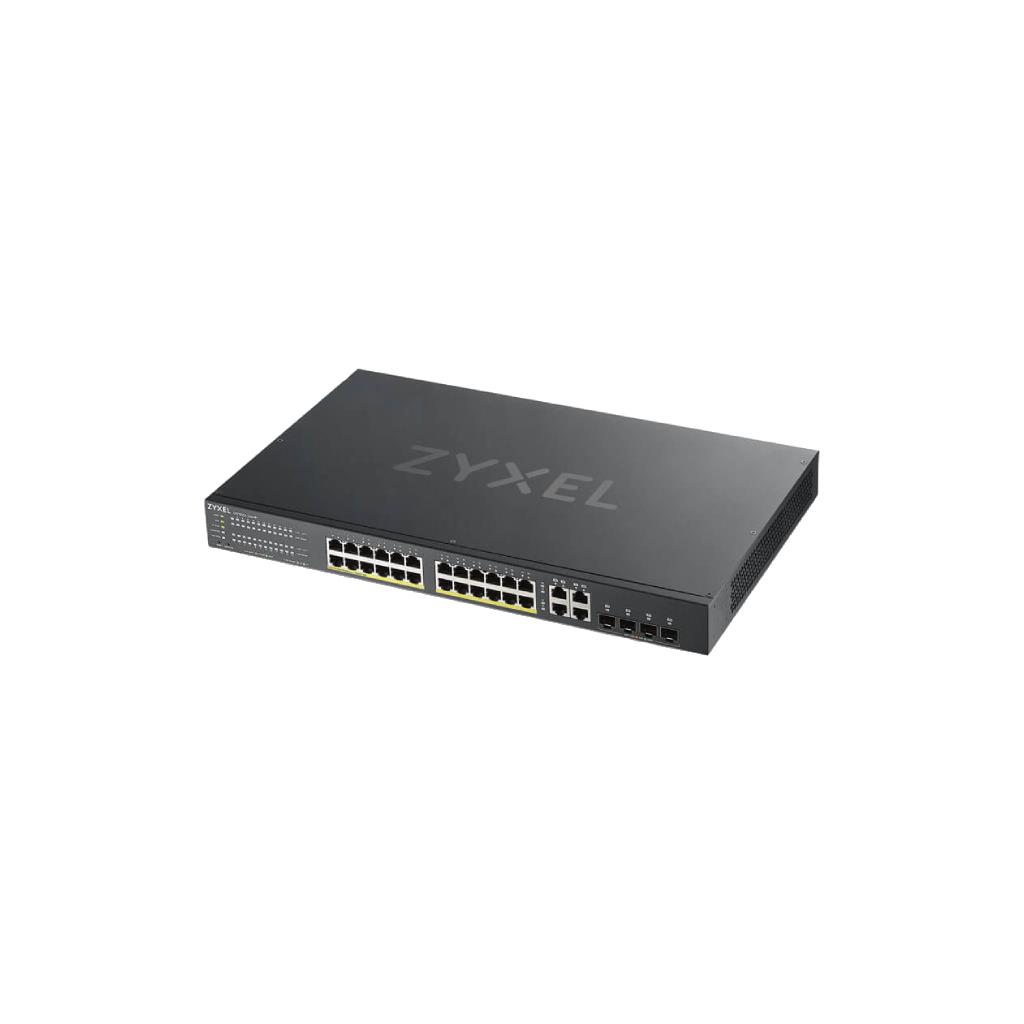
Zyxel
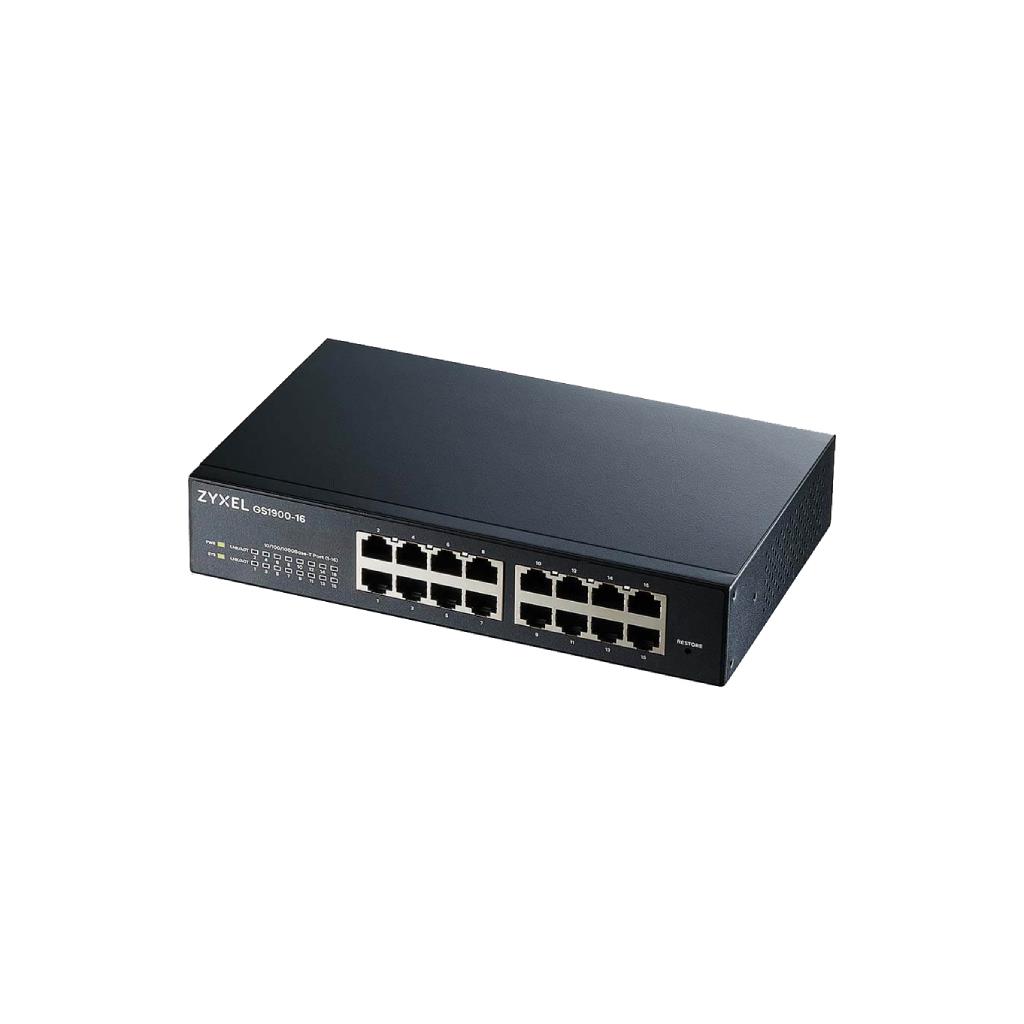
ZYXEL GS1920-24HPV2 24-Port Smart Managed PoE Switch 375W
SKU: GS1920-24HPV2
Price on request
Out of stock
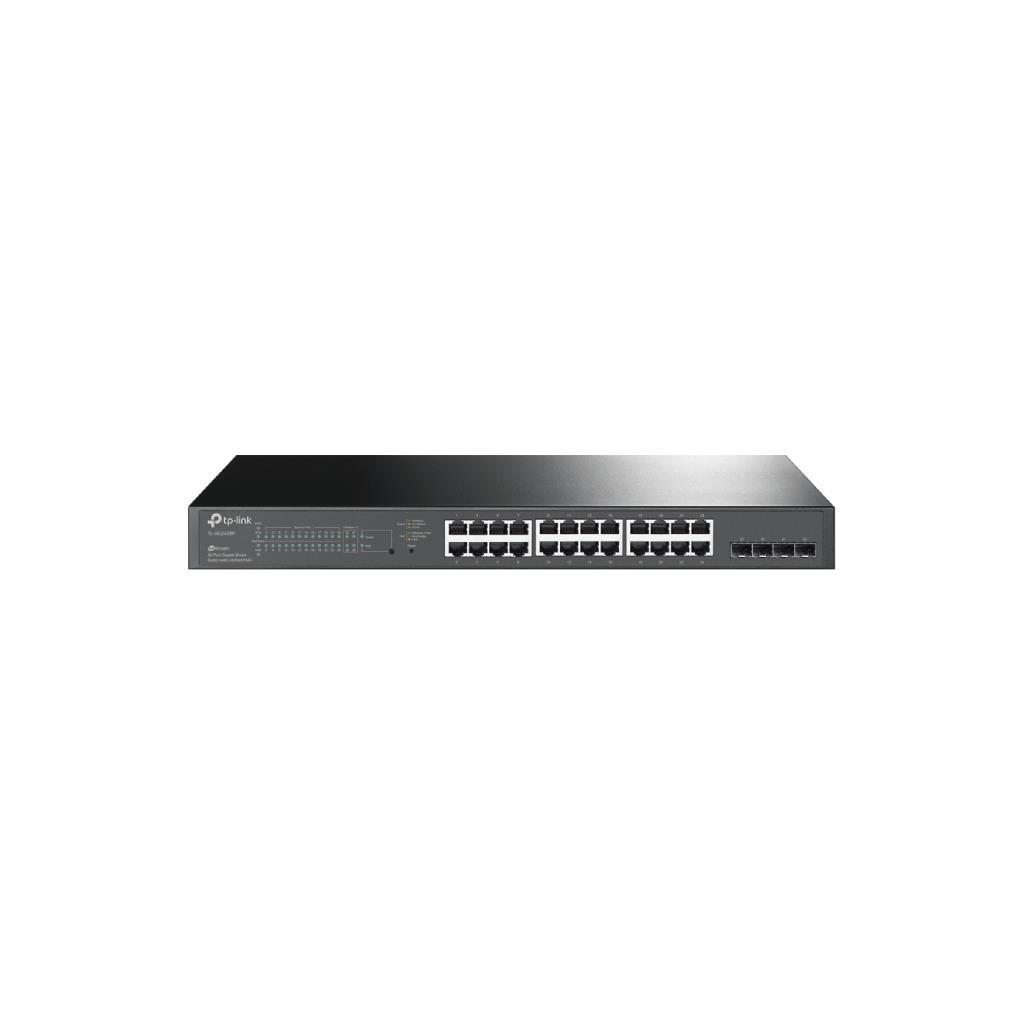
TP-Link
TP-Link Omada SG2428P 28-Port Gigabit Smart Switch with 4 SFP Slots PoE+ 250W
SKU: SG2428P-VER5.4
฿9,401
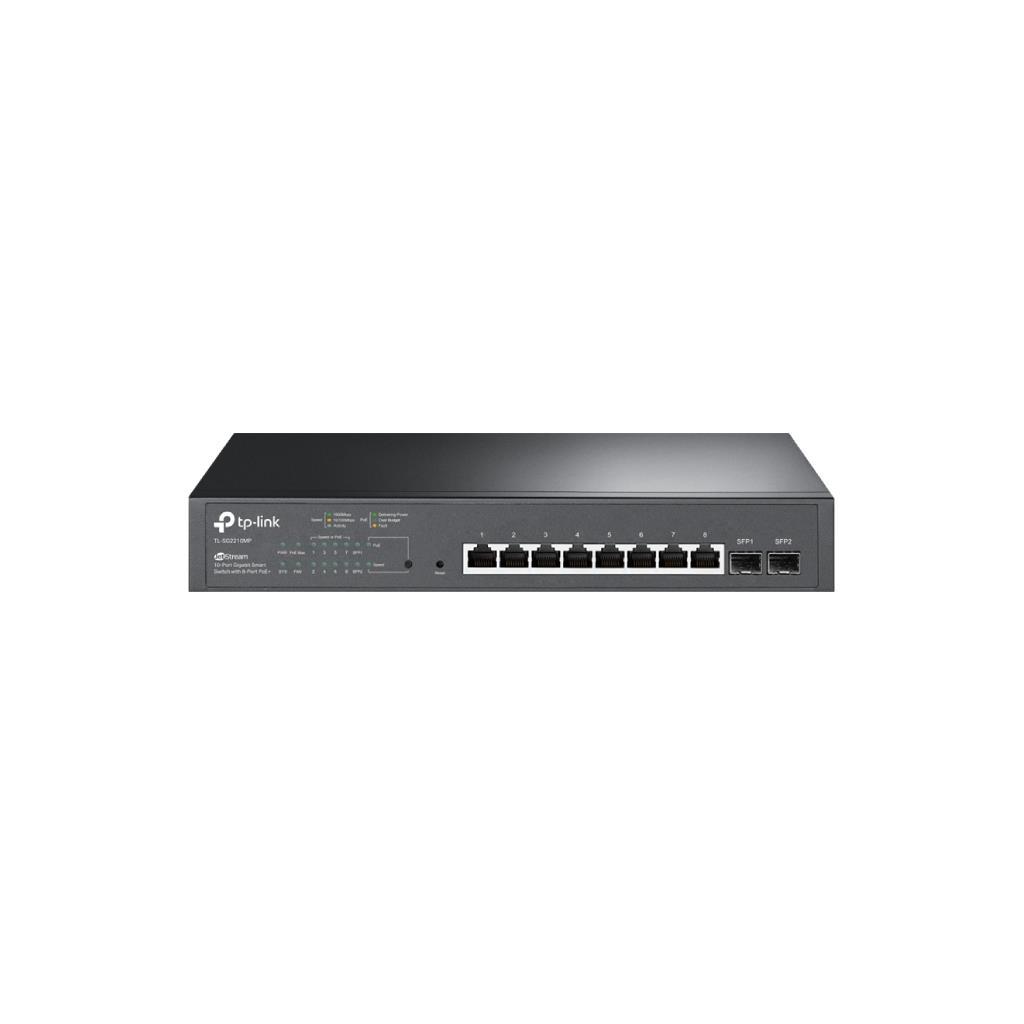
TP-Link
TP-Link JetStream Smart Switch 10-Port Gigabit with 8-Port PoE+ (SG2210MP)
SKU: SG2210MP
Price on request
Out of stock
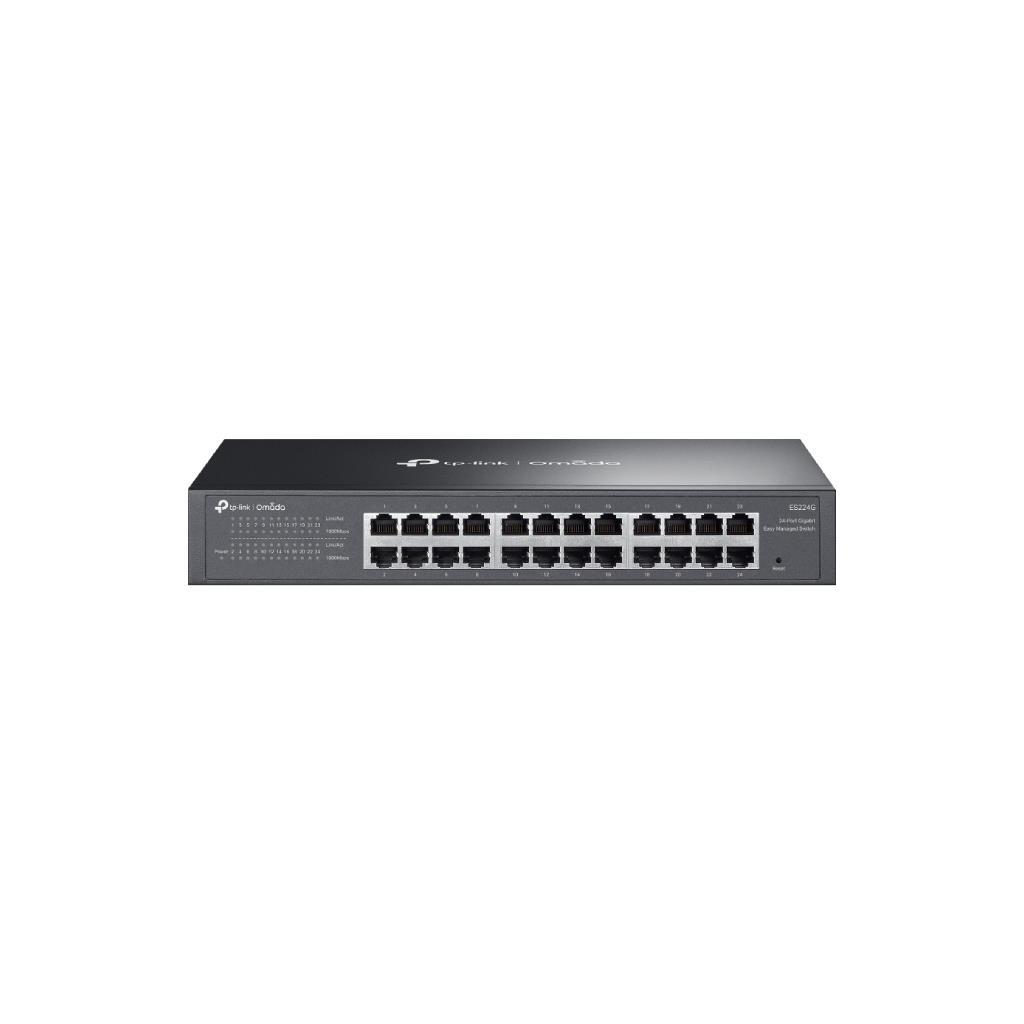
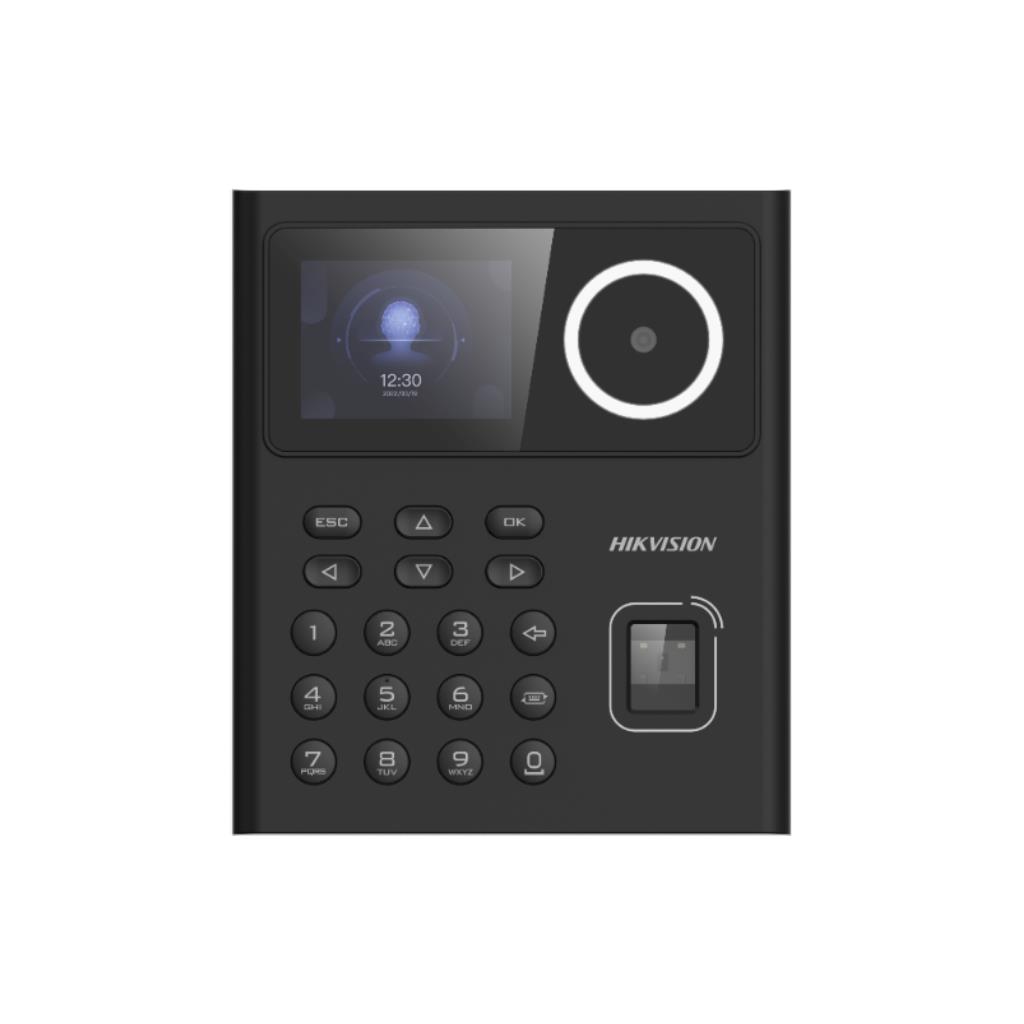
Hikvision
HIKVISION DS-K1T320MFWX Value Series Face Access Terminal 2.4-inch LCD 2 MP Lens
SKU: DS-K1T320MFWX
฿3,068
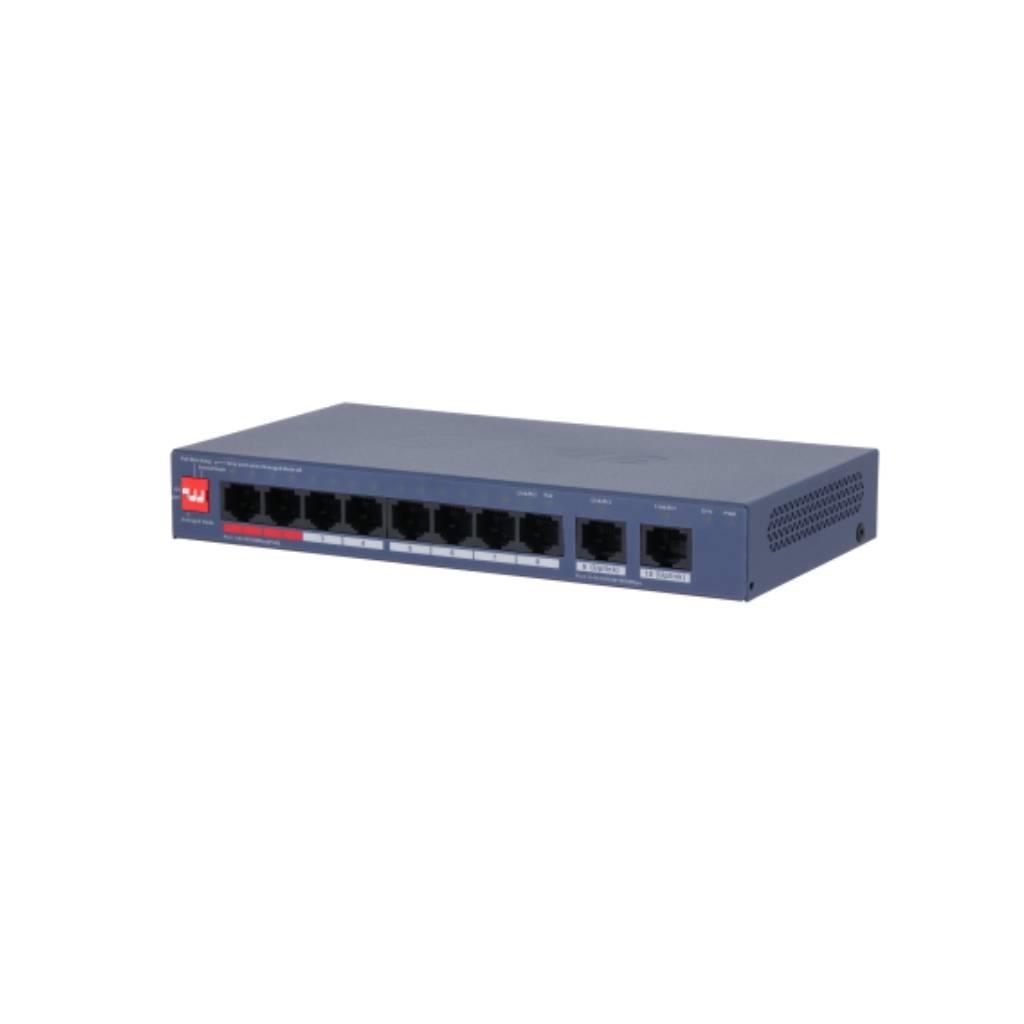
Dahua
DAHUA CS4010-8ET2GT-110 10-Port Cloud Managed Desktop Switch with 8-PoE
SKU: DH-CS4010-8ET2GT-110
Price on request
Out of stock
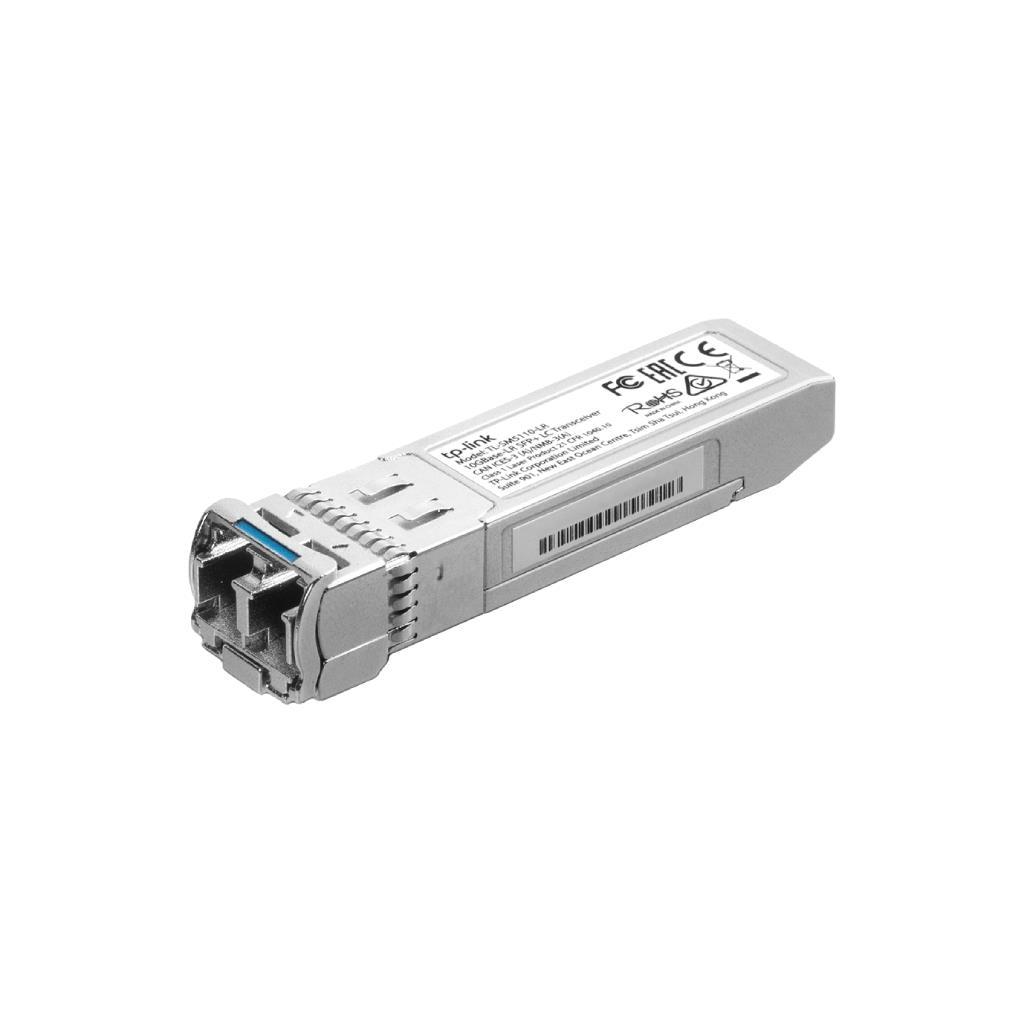
TP-Link
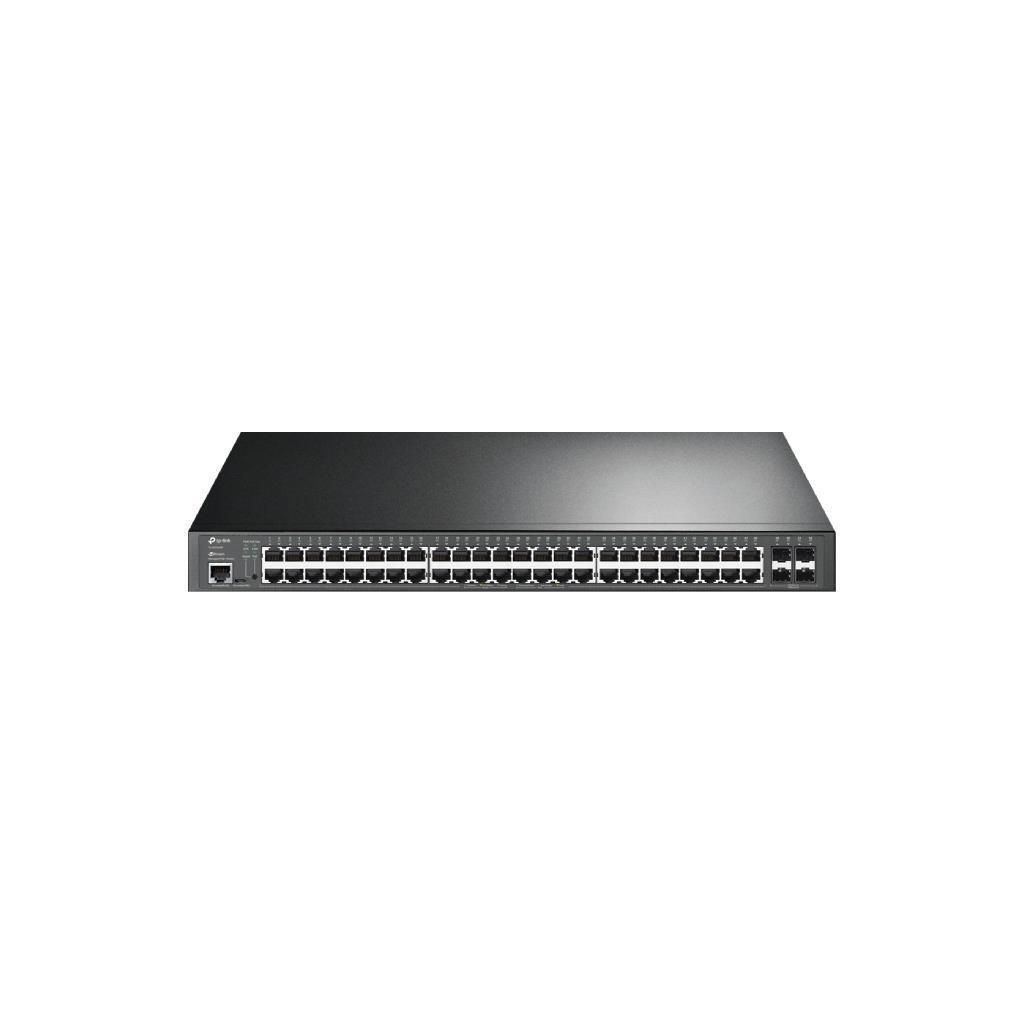
TP-Link Omada SG3452P 52-Port Gigabit L2+ Managed Switch with 48-Port PoE+ (V3.4)
SKU: SG3452P-VER3.4
฿19,874
TP-Link
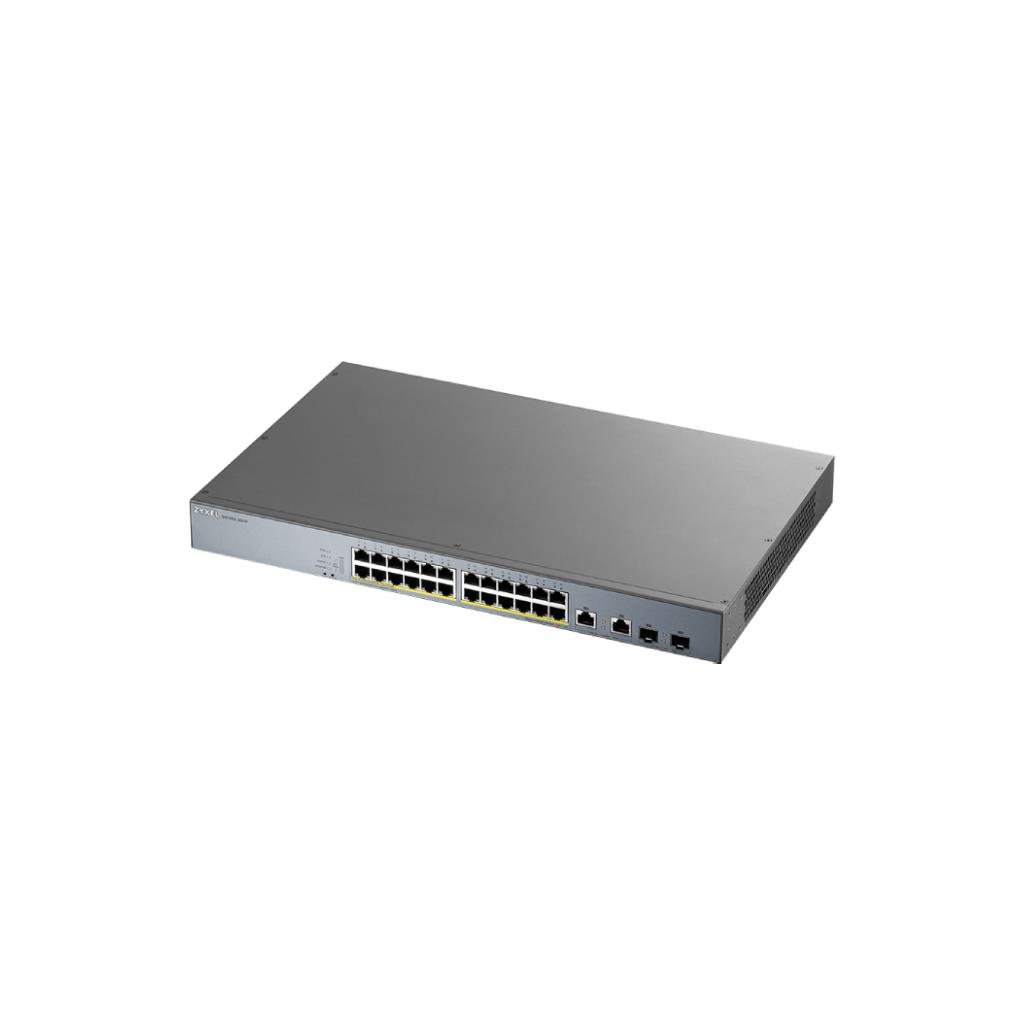
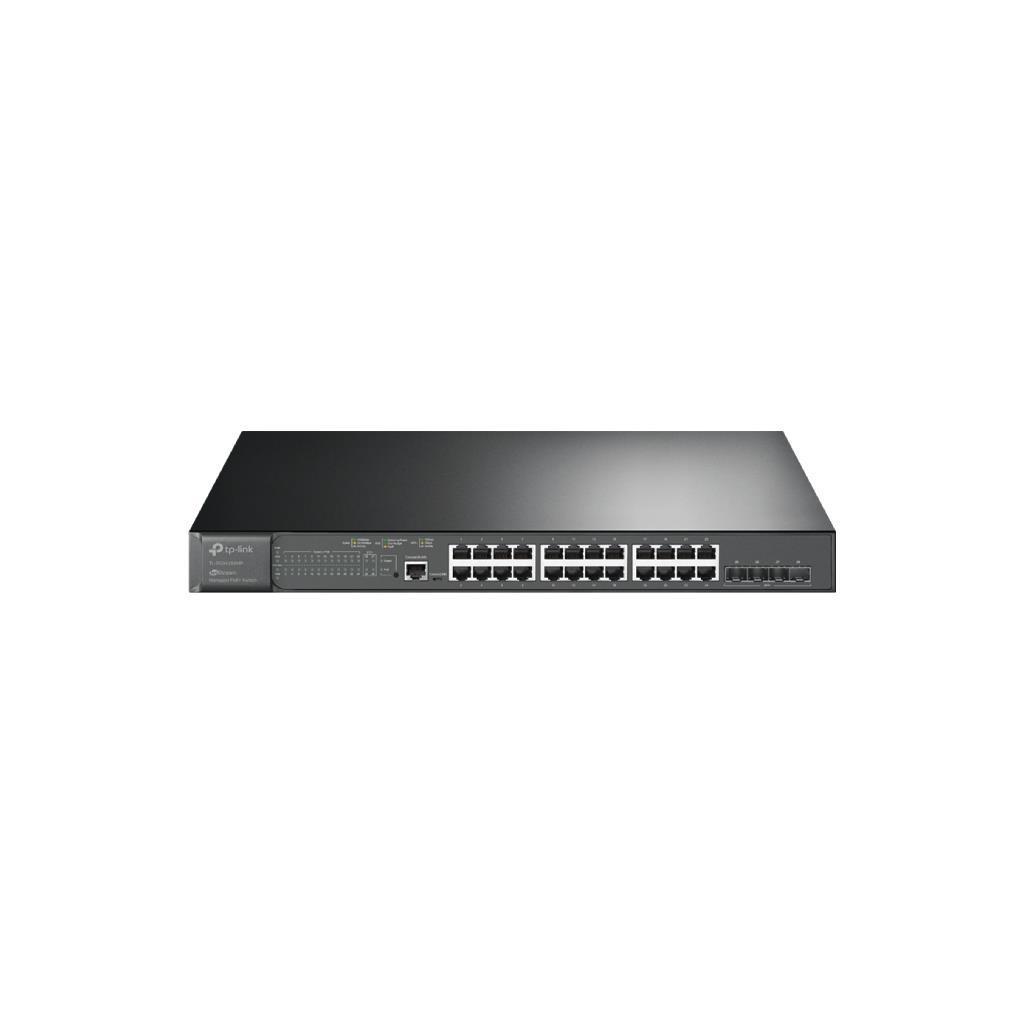
TP-Link Omada SG3428XMP 24-Port PoE+ Gigabit L2+ Managed Switch with 4x 10GE SFP+
SKU: SG3428XMP-V3.2
Price on request
Out of stock
TP-Link
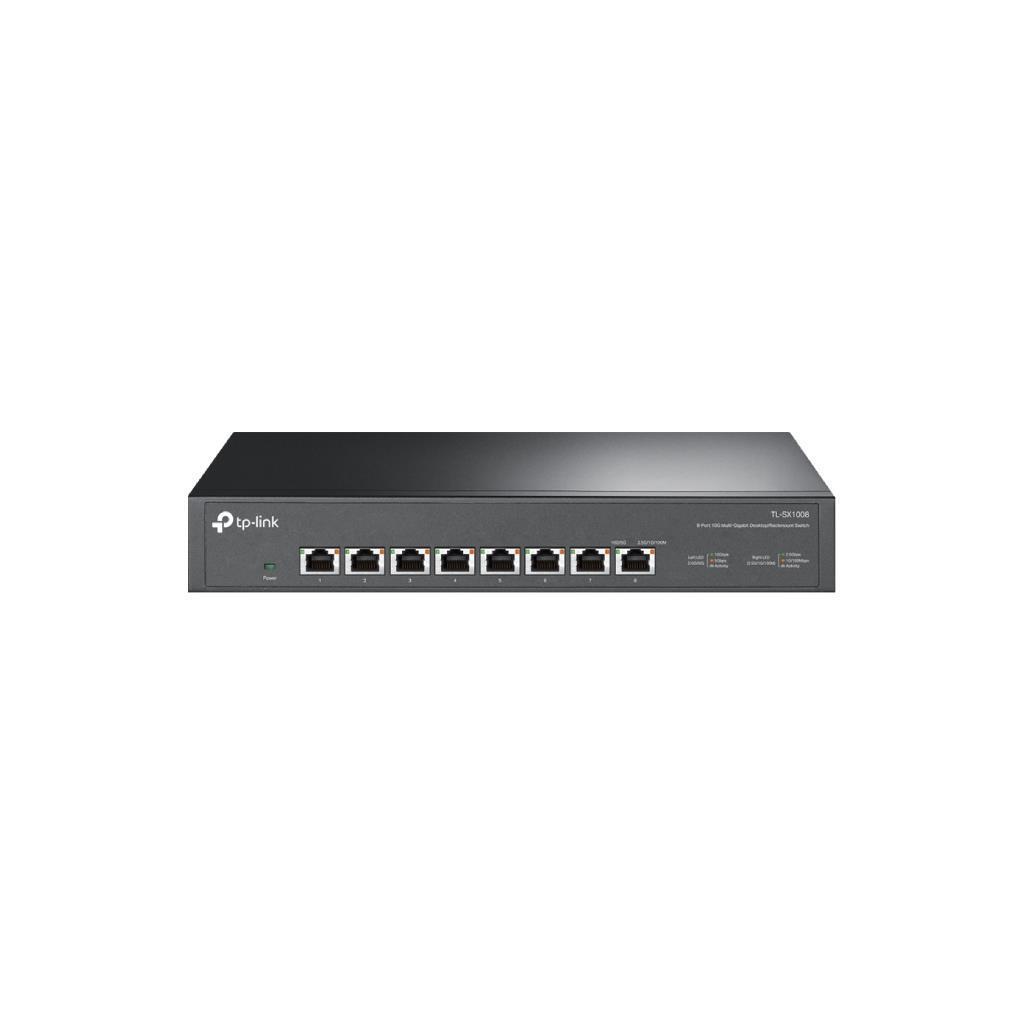
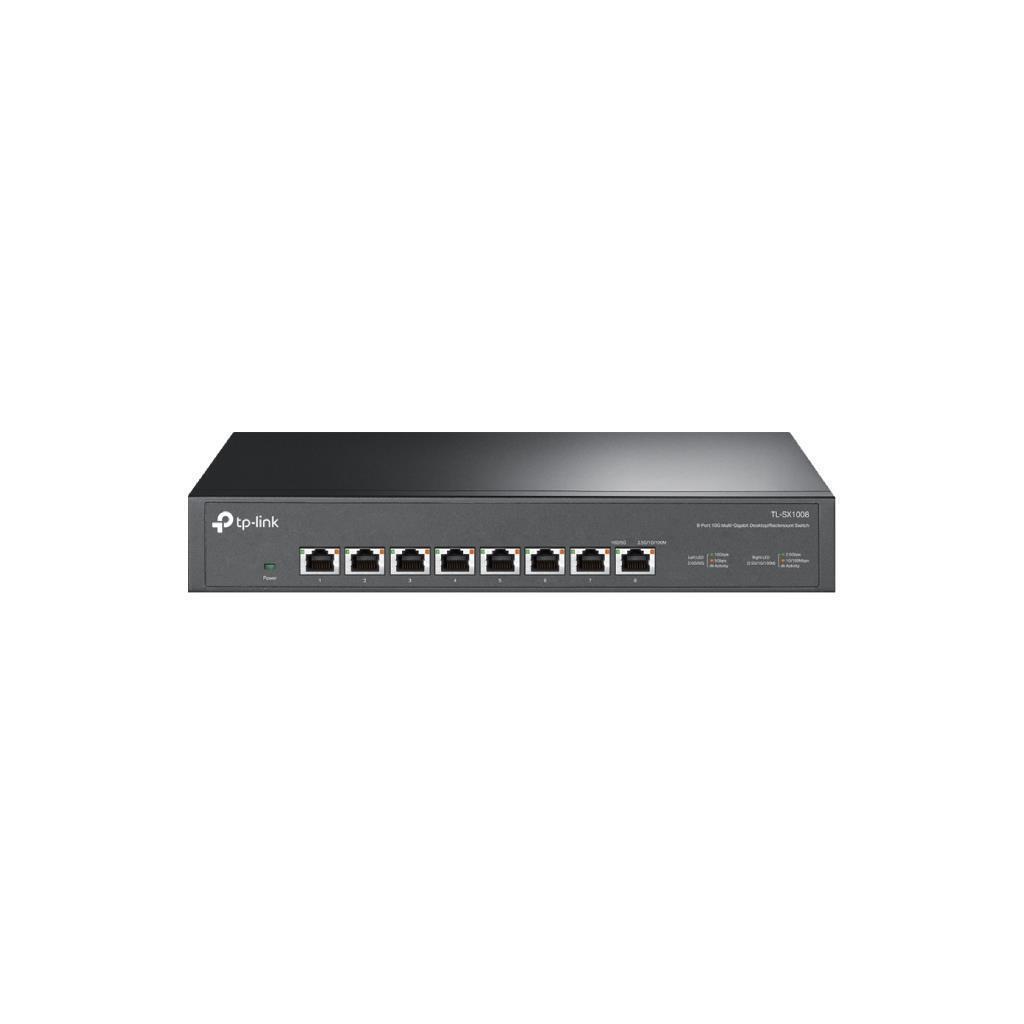
TP-Link TL-SX1008 8-Port 10G Multi-Gigabit Switch V4.60
SKU: TL-SX1008-VER4
Price on request
Out of stock
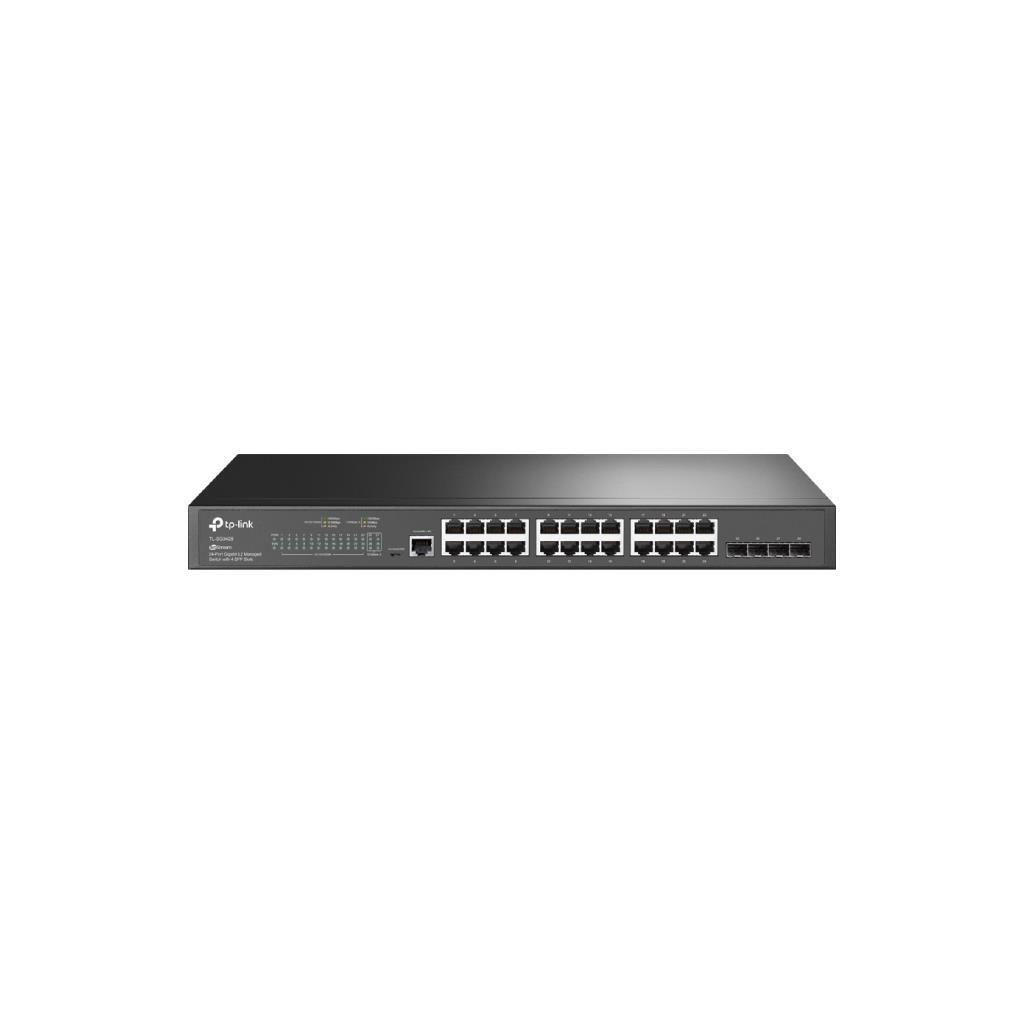
TP-Link
TP-Link Omada SG3428 24-Port Gigabit L2+ Managed Switch with 4 SFP Slots
SKU: SG3428-VER2.4
฿6,905
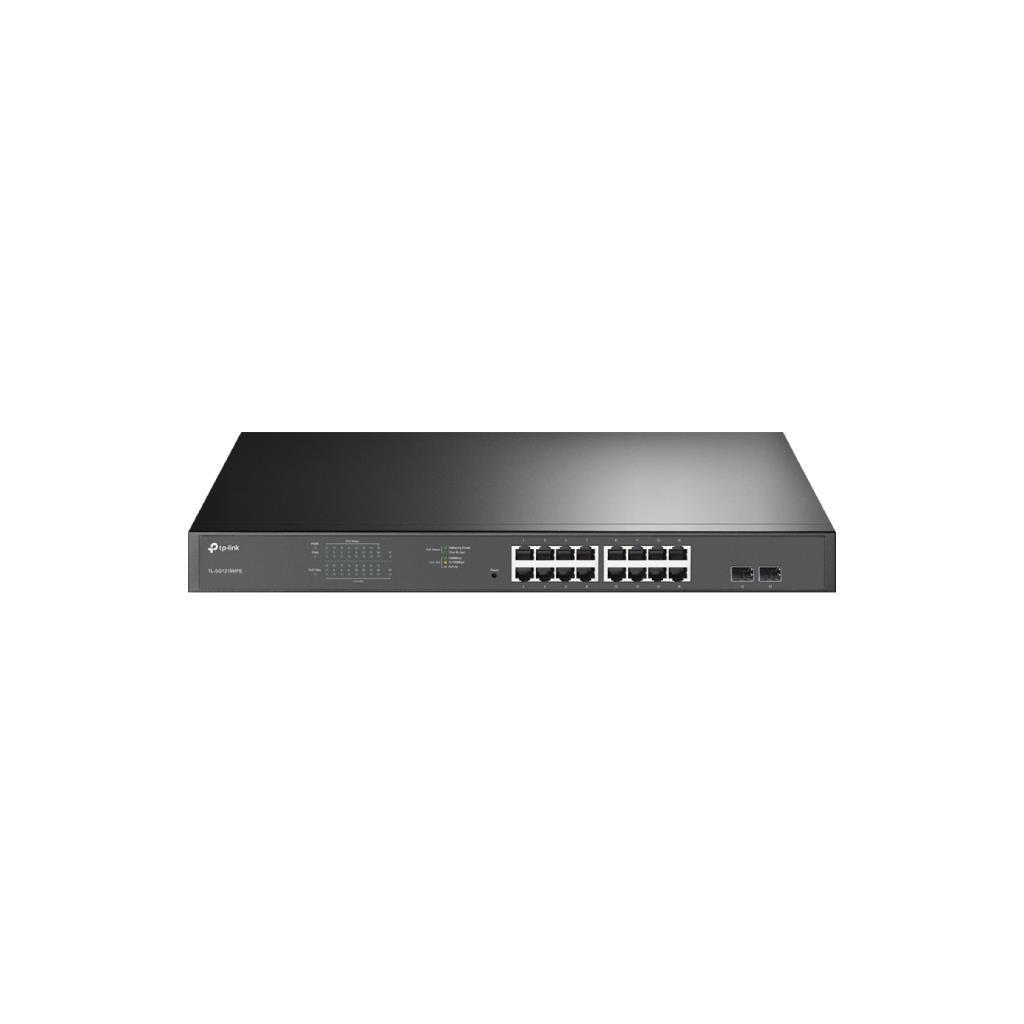
TP-Link
TP-Link TL-SG1218MPE-VER5.4 18-Port Gigabit Easy Smart PoE+ Switch (16x PoE+ Ports)
SKU: TL-SG1218MPE-VER5.4
฿6,299
Out of stock
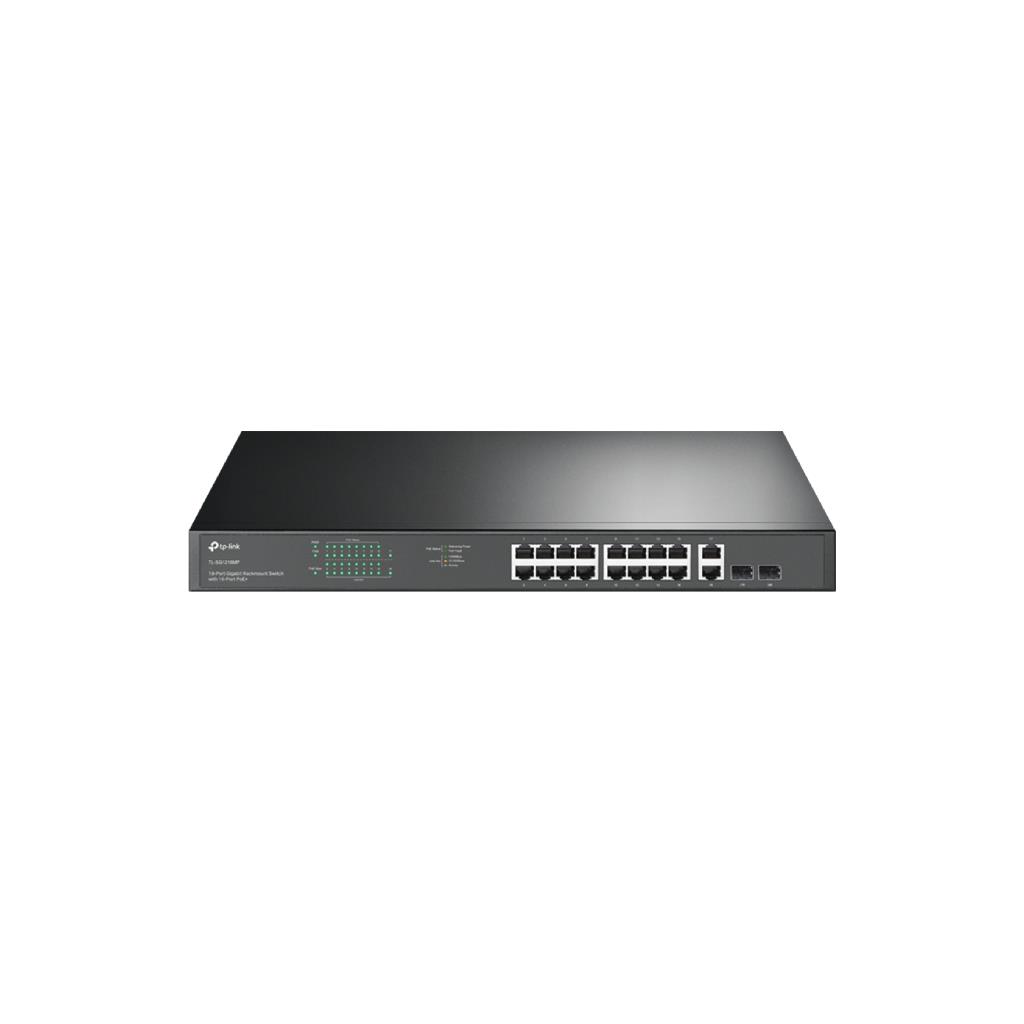
TP-Link
TP-Link TL-SG1218MP 18-Port Gigabit Rackmount Switch with 16 PoE+ Ports
SKU: TL-SG1218MP
Price on request
Out of stock
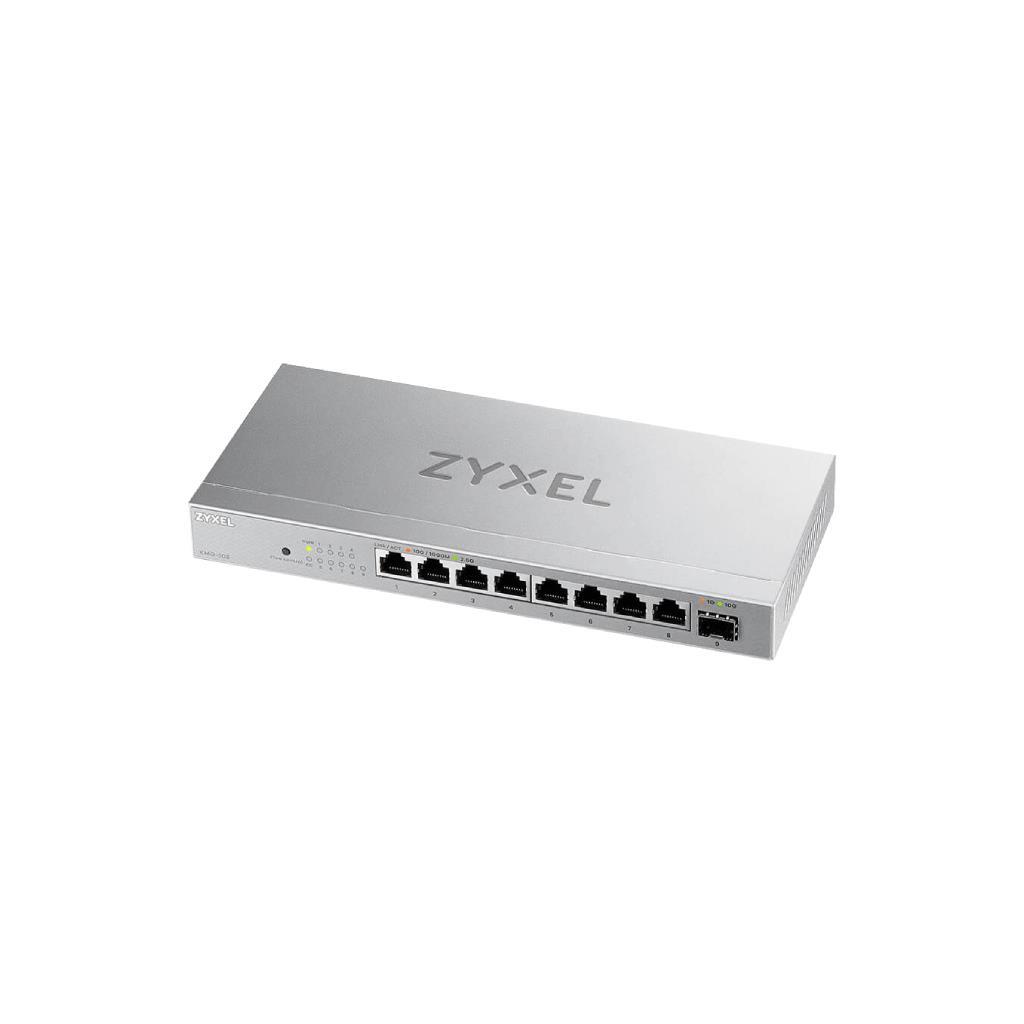
Zyxel
ZYXEL XMG-105 5-Port 2.5G Unmanaged Switch with 10G SFP+
SKU: XMG-105
Price on request
Out of stock
TP-Link
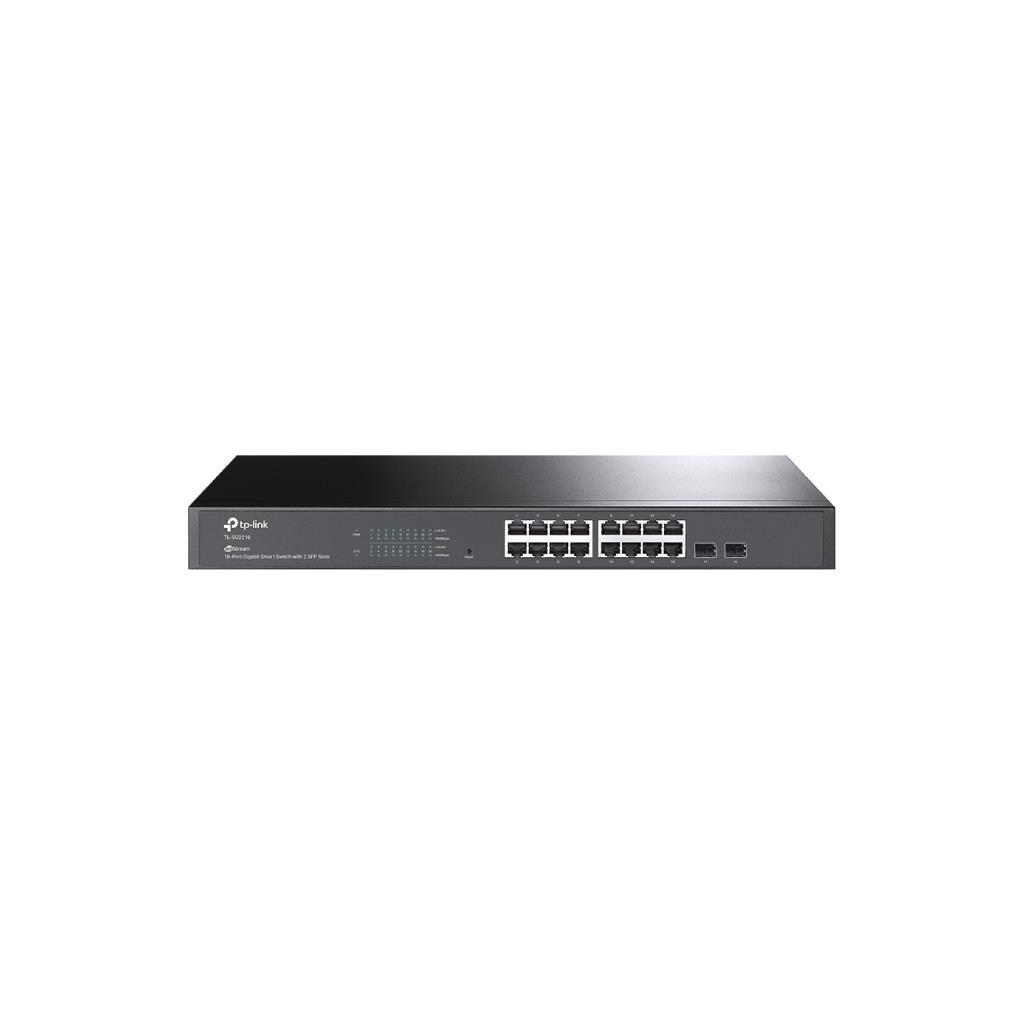
TP-Link JetStream 16-Port Gigabit Smart Switch 2x SFP SG2218
SKU: SG2218
Price on request
Out of stock
TP-Link
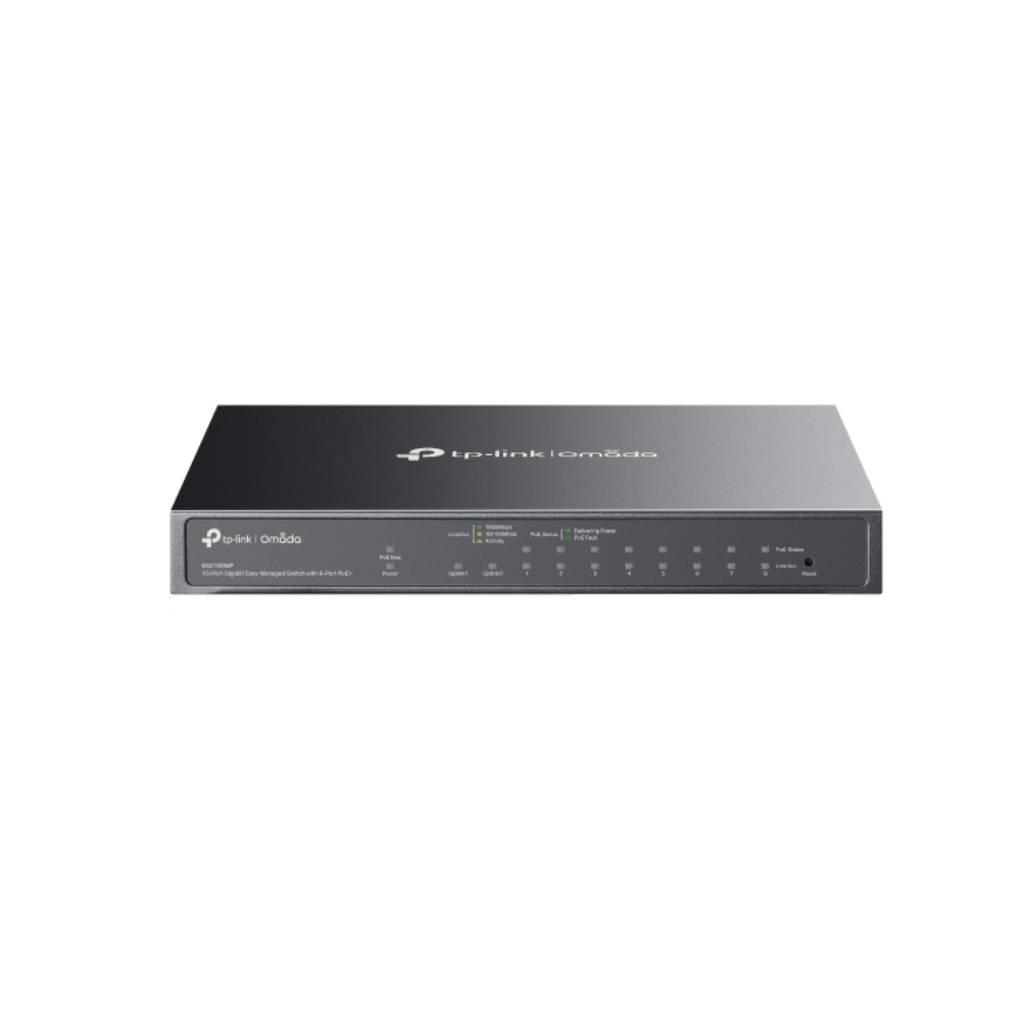
TP-Link Omada ES210GMP V1.2 10-Port Gigabit Switch with 8-Port PoE+
SKU: ES210GMP-VER1.2
฿3,056
Hikvision
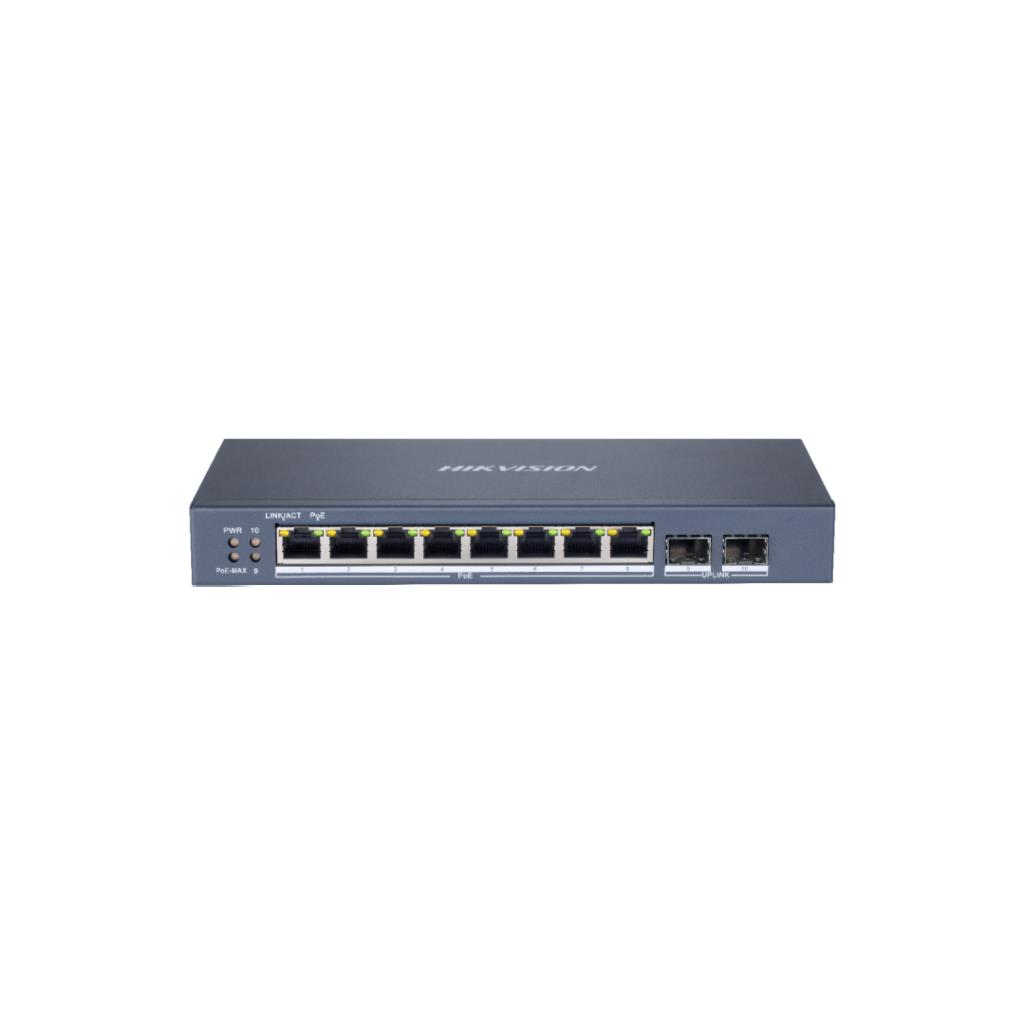
HIKVISION DS-3E1510P-SI 8-Port Gigabit Smart PoE Switch
SKU: DS-3E1510P-SI
Price on request
Out of stock
Dahua
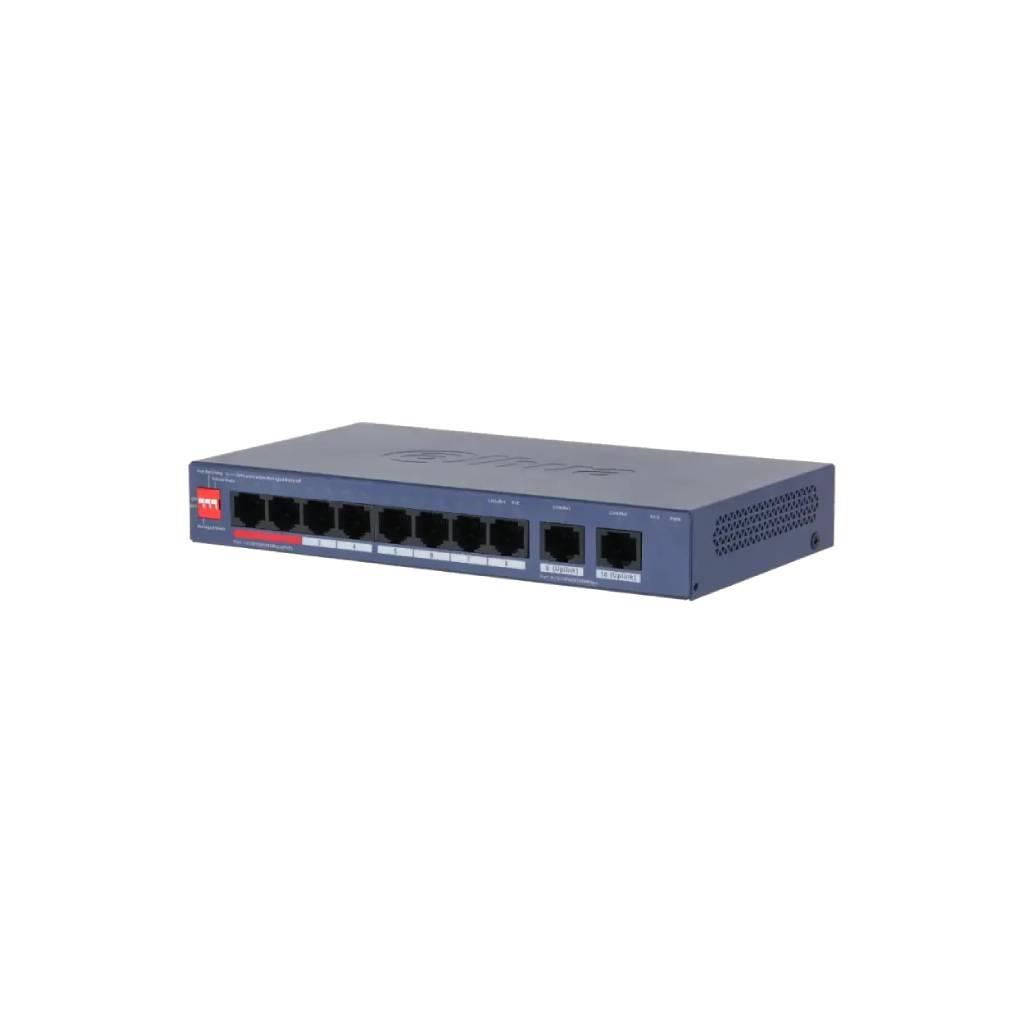
DAHUA CS4010-8GT-110-V2 10-Port Cloud Managed Gigabit Switch with PoE
SKU: DH-CS4010-8GT-110-V2
Price on request
Out of stock
TP-Link
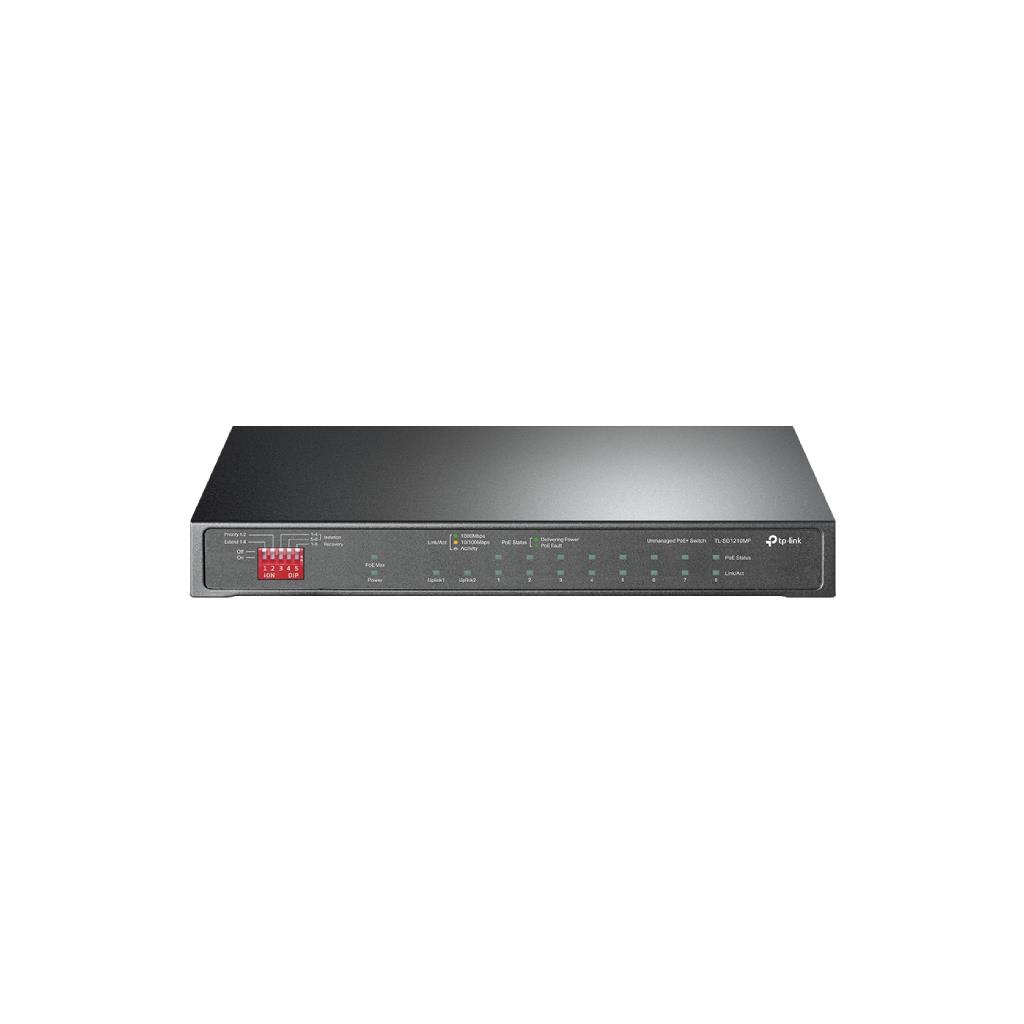
TP-Link TL-SG1210MP 10-Port Gigabit PoE+ Switch (8x PoE+ Ports)
SKU: TL-SG1210MP
Price on request
Out of stock
TP-Link
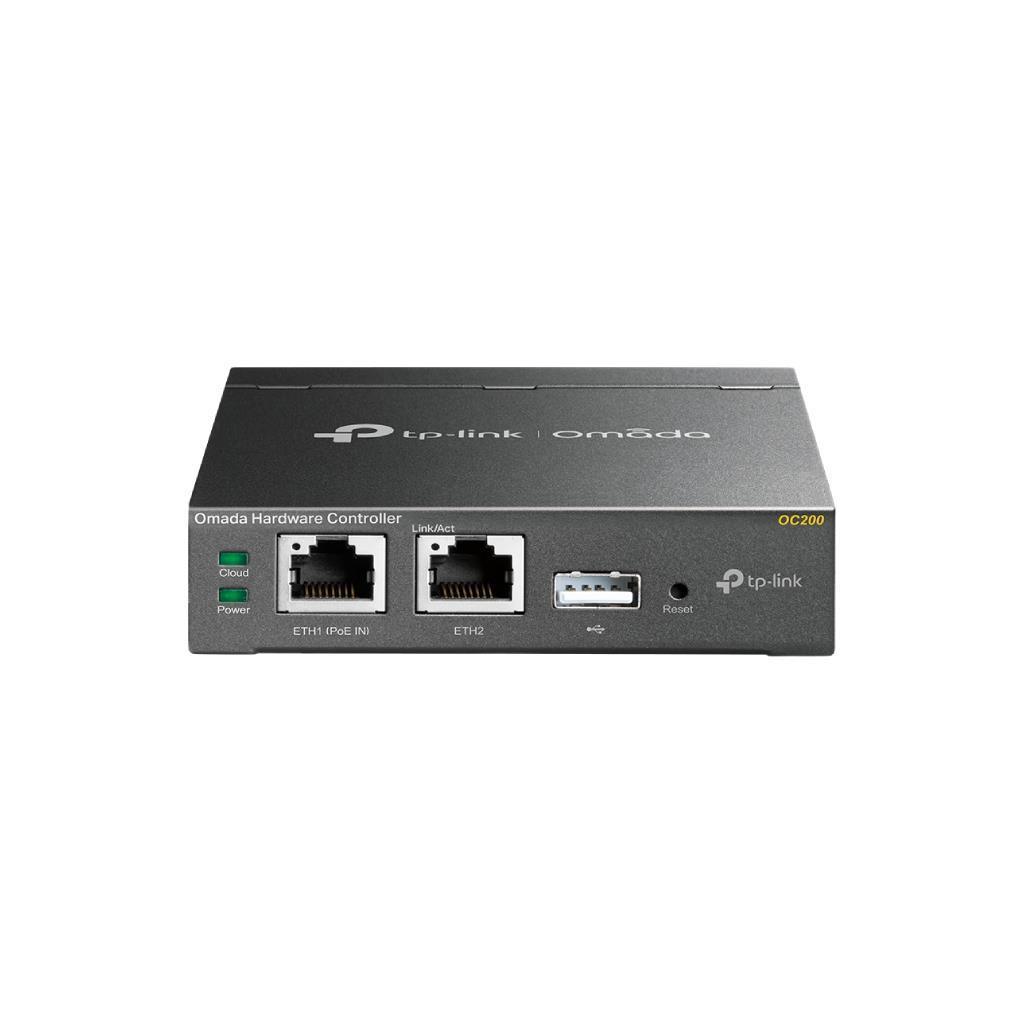
TP-Link Omada ES210GP 10-Port Gigabit Easy Managed Switch with 8-Port PoE+
SKU: ES210GP-VER1
฿2,380
Out of stock
D-Link
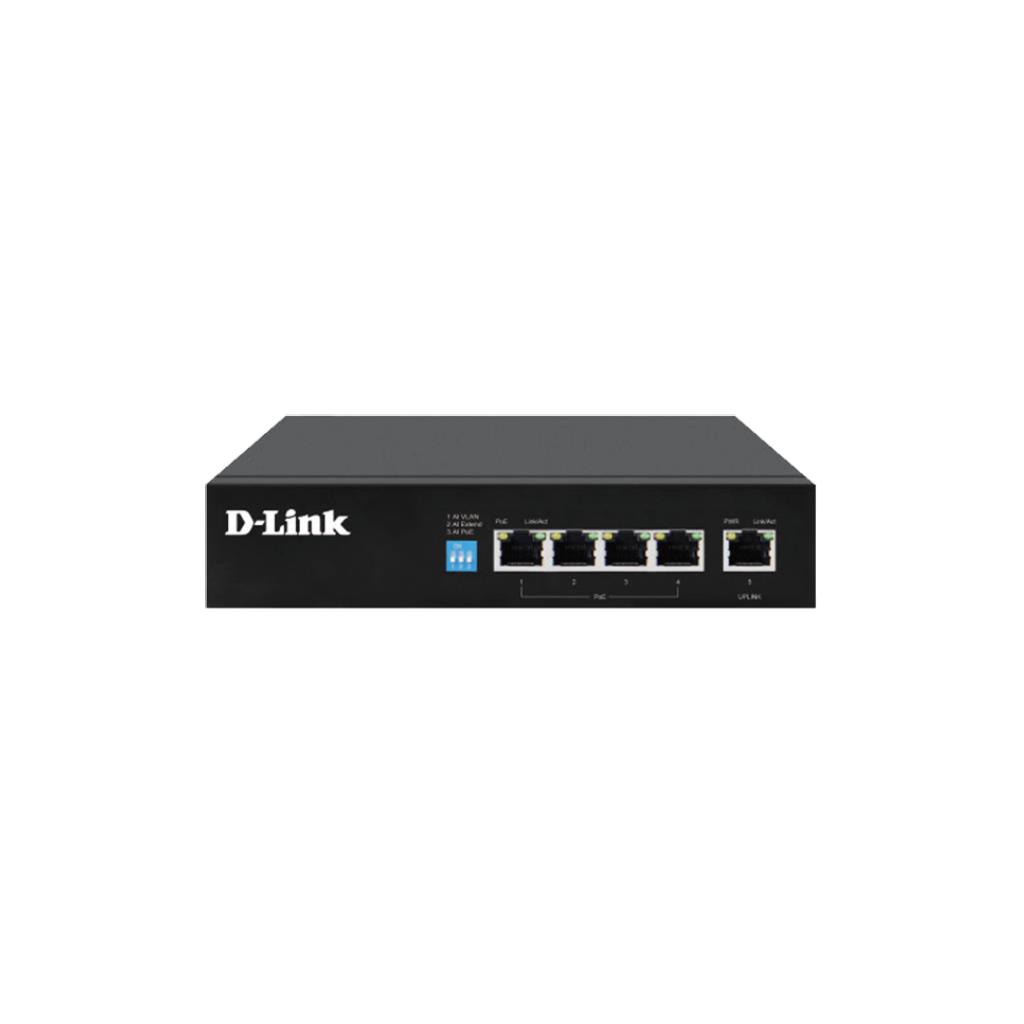
D-Link DGS-1005P 5-Port Gigabit PoE+ Switch (4x PoE+ Ports)
SKU: DGS-F1005P-E
Price on request
Out of stock
Zyxel
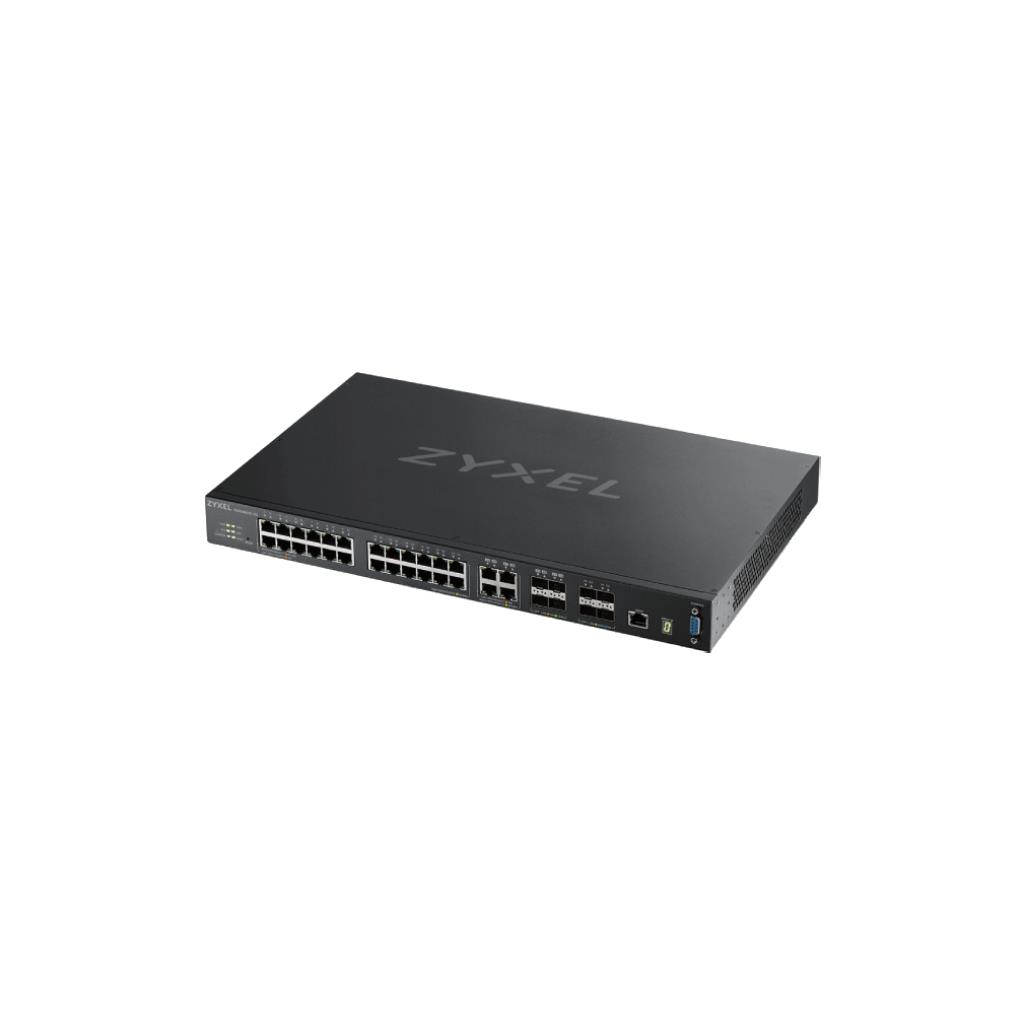
ZYXEL XGS4600-32F 28-Port GbE L3 Aggregation Switch with 4x10G SFP+
SKU: XGS4600-32
Price on request
Out of stock
TP-Link
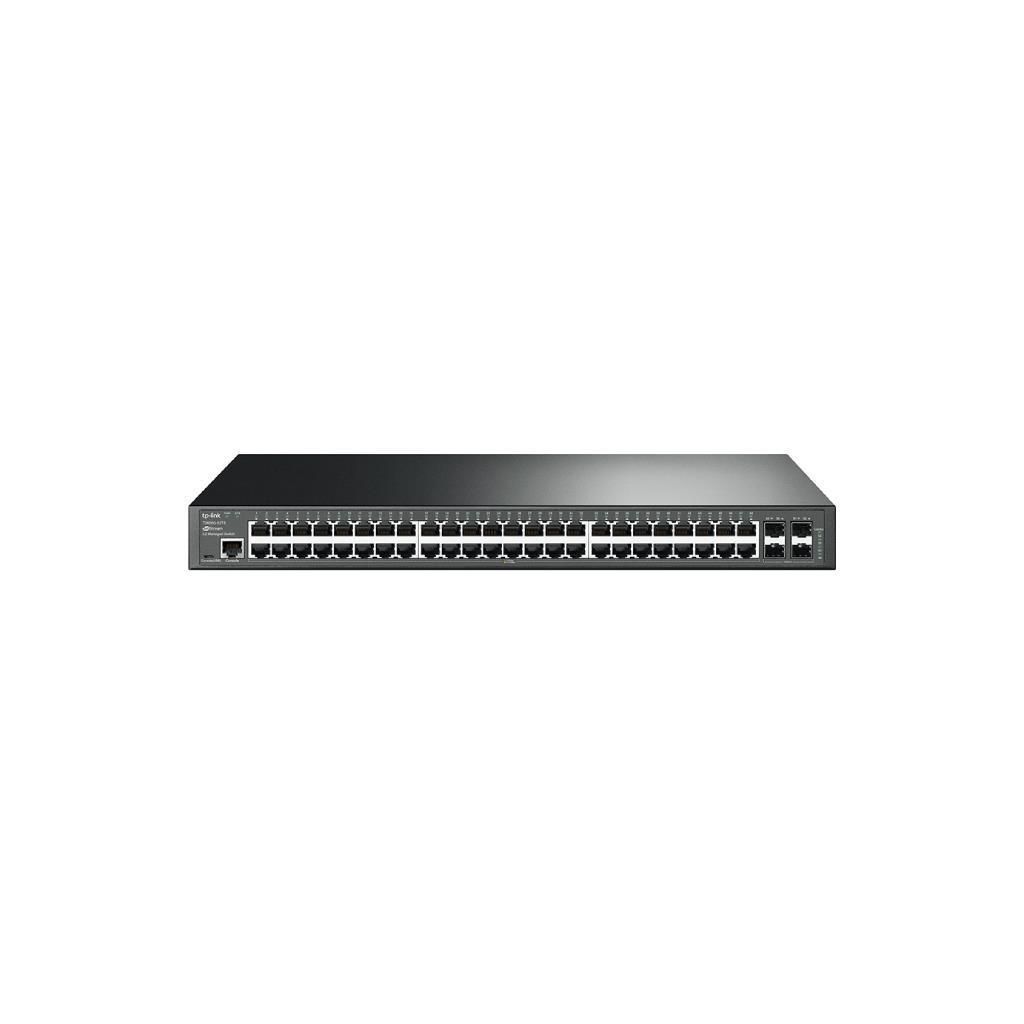
TP-Link Omada SG3452 48-Port Gigabit L2+ Managed Switch with 4 SFP Slots
SKU: SG3452-VER1.2
Price on request
Out of stock
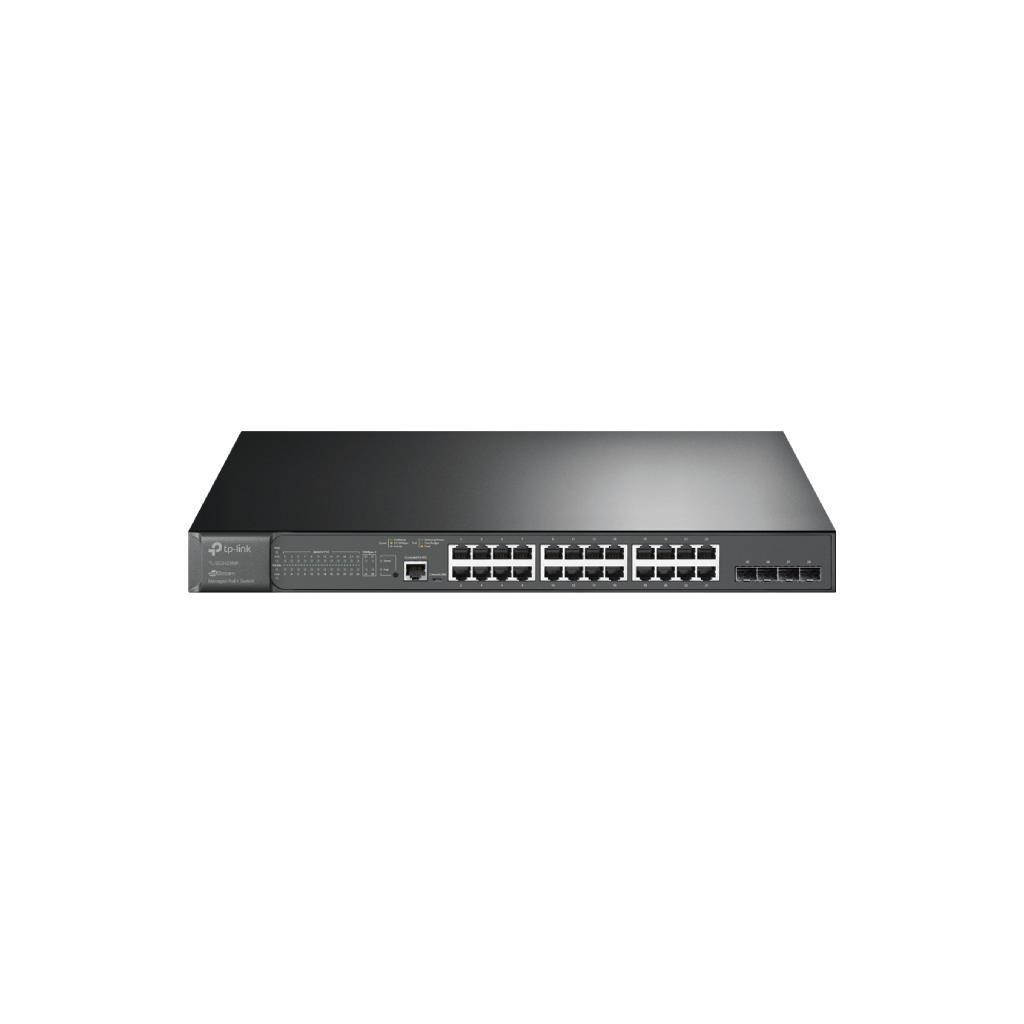
TP-Link
TP-Link Omada L2+ Managed Switch SG3428MP 28-Port Gigabit PoE+ with 4 SFP Slots
SKU: SG3428MP-VER6.2
Price on request
Out of stock
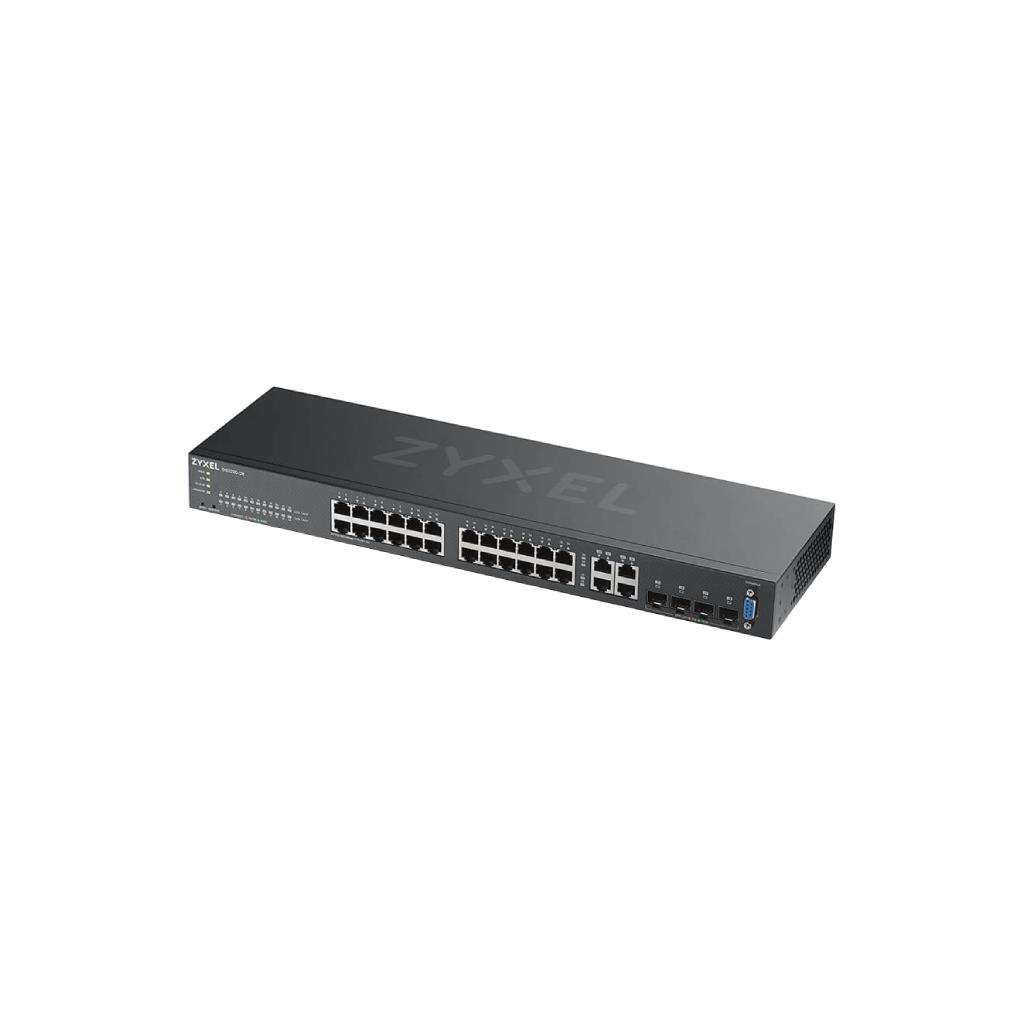
Zyxel
ZYXEL GS2220-28 24-Port Gigabit L2+ Managed Switch with 4 Combo (SFP/RJ-45) Uplink
SKU: GS2220-28
฿9,681
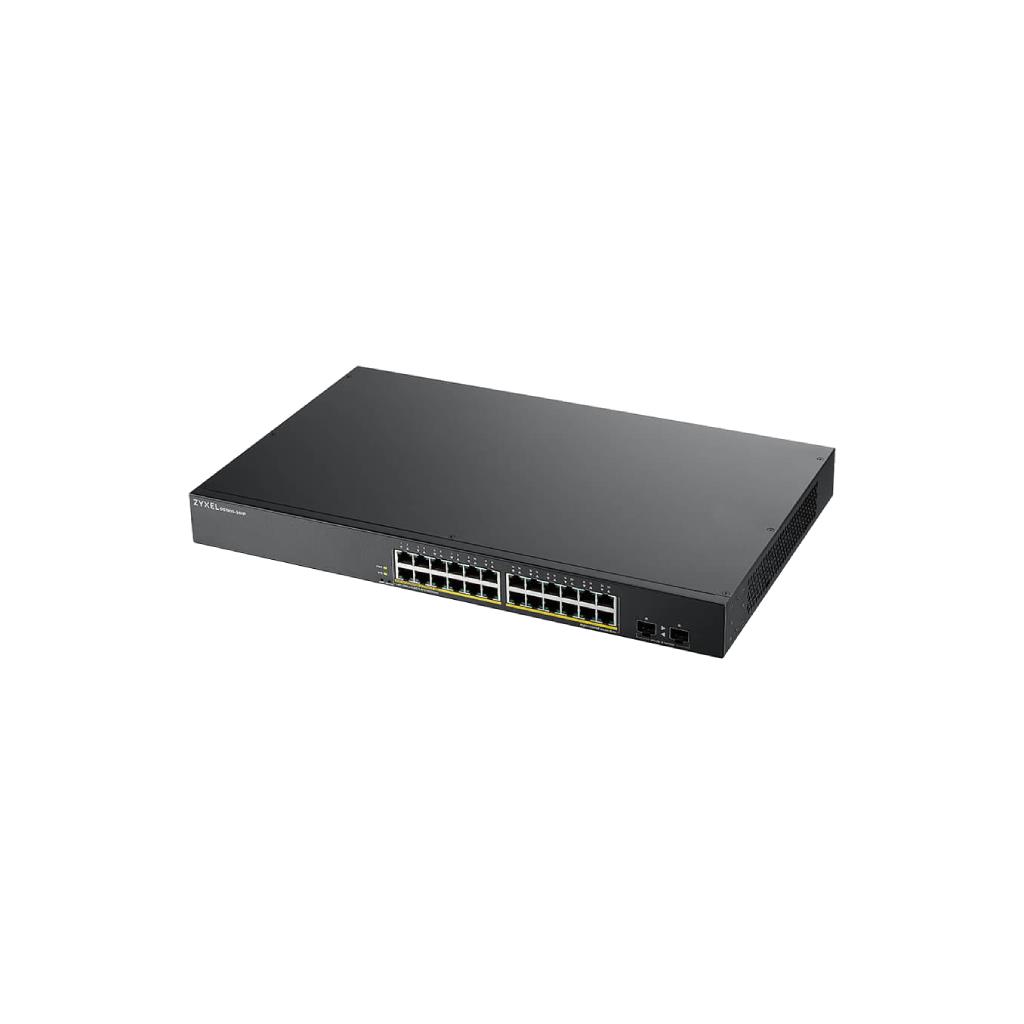
Zyxel
ZYXEL GS1900-24HPV2 24-Port Gigabit Smart Managed PoE+ Switch with 2 SFP Slots
SKU: GS1900-24HPV2#P
฿9,436
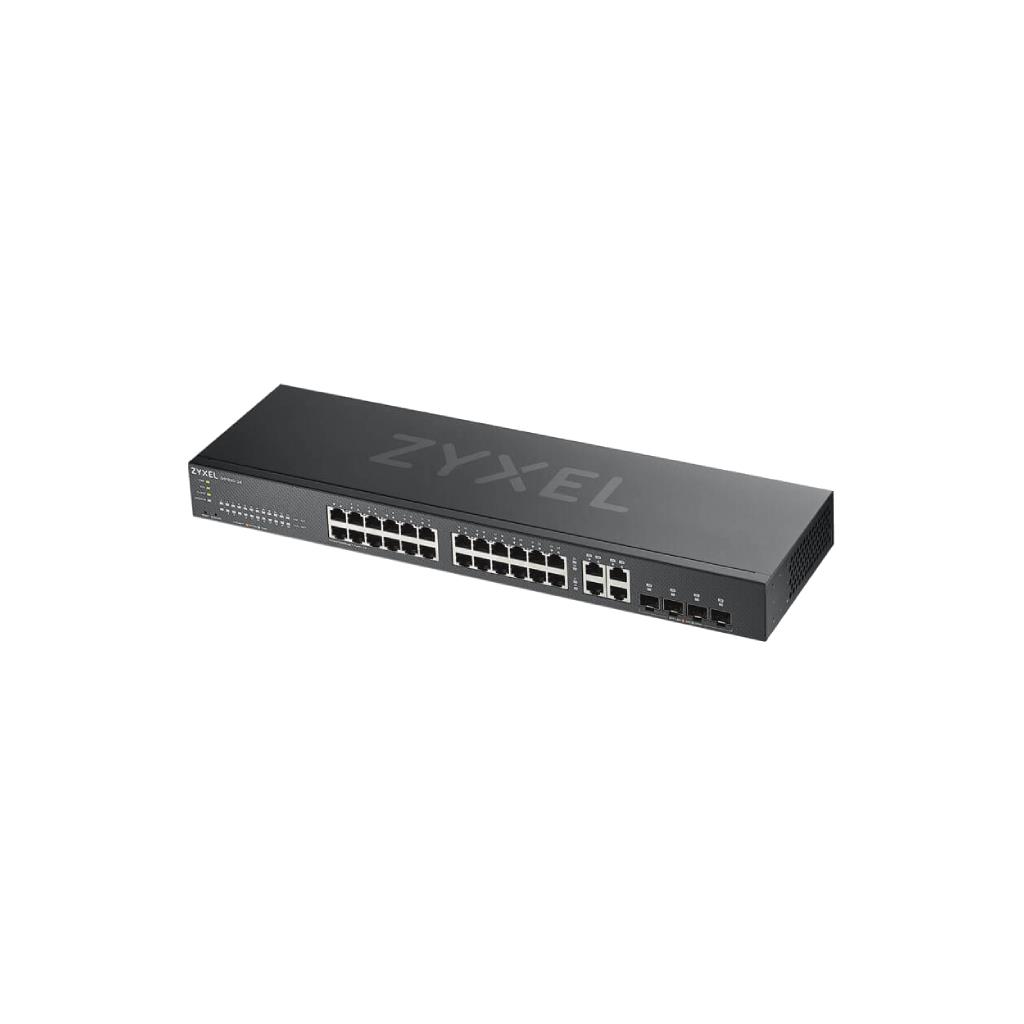
Buying guide
How to choose a network switch for an office or business
Count the devices you need to connect, decide whether they need power over the network cable, and plan how the network will be managed before choosing a model.
Port count and speed
Count today's wired devices and leave spare ports for growth. Match port speed to the job: Gigabit for general use, 2.5G for newer access points or a NAS, and 10G for servers or uplinks between switches.
Unmanaged, smart or managed
Unmanaged switches work out of the box and suit small networks. Smart / easy-managed switches add basic settings such as VLANs and QoS. Managed switches (L2 / L2+ / L3) add network segmentation, access control and monitoring for businesses.
PoE and PoE budget
To power IP cameras, access points or IP phones over the network cable, choose a PoE switch and check two figures: the per-port standard (PoE 802.3af, PoE+ 802.3at, PoE++ 802.3bt) and the switch's total PoE budget, which must exceed the combined draw of every powered device. Some switches allocate power by the device's PoE class rather than its actual draw, so plan with each device's class maximum.
Uplinks and SFP / SFP+ ports
SFP / SFP+ ports take fibre or high-speed uplinks to a core switch or another building. They need SFP modules that are compatible with the switch and the fibre type.
Mounting and management
19-inch rack-mount switches fit a server rack; desktop switches suit smaller points of use. For multiple sites or locations, consider switches managed from the cloud or a controller (such as TP-Link Omada) to run them centrally.
FAQ
Frequently asked questions — Network Switches
What is the difference between a managed and an unmanaged switch?
An unmanaged switch works without configuration but cannot be tuned. A managed switch supports VLANs, QoS, link aggregation, access control and port monitoring, which suits networks that need segmentation or have many devices.
What is a PoE budget, and how much do I need?
It is the maximum total power the switch can deliver over its PoE ports at the same time. Add up the maximum draw of every PoE device and leave a margin: for example, 8 devices at up to 8 W each need 64 W, so choose a switch with a higher PoE budget. Some switches allocate power by PoE class, so plan with each device's class maximum.
What is the difference between a Layer 2 and a Layer 3 switch?
A Layer 2 switch forwards traffic within a network by MAC address and separates networks with VLANs. A Layer 3 switch also routes between VLANs or subnets, taking load off the router. L2+ switches usually add basic static routing.
Which cable do 2.5G and 10G switches need?
2.5GBASE-T runs over Cat5e at the standard 100 m. For 10GBASE-T, Cat6A is recommended for 100 m (Cat6 works over shorter runs, about 55 m), or use SFP+ ports with fibre or DAC cables.
Which switch should I use for CCTV?
A PoE switch with enough ports for your cameras and a sufficient PoE budget, plus a fast uplink to the NVR. For dusty or hot locations, consider an industrial switch.
How many Network Switches models are available, and what is the starting price?
GIST Store offers 241 models in Network Switches, starting at ฿199 (including VAT). Prices and stock status are updated from our system.
Can organisations buy Network Switches in bulk and request a quotation?
Yes. We support bulk orders for companies and government agencies. Request a project quotation from our sales team at 092-251-4017 or through our business customers page.
How do warranty and delivery work?
All products are genuine and covered by each manufacturer's warranty terms; warranty claims can be made through GIST. Orders placed before 12:00 on a business day are delivered within 1–3 business days (Bangkok and vicinity) or 2–5 business days (other provinces). Delivery is free on orders of ฿5,000 or more. See our warranty and shipping policies for details.
Bulk orders / projects / quotations
Quotations, full tax invoices and a team that helps you specify Network Switches.
- Tax invoices availableFull tax invoices for business customers
- Dedicated business sales teamHelp with specifications and quotations
- Genuine productsCovered by the manufacturer's warranty