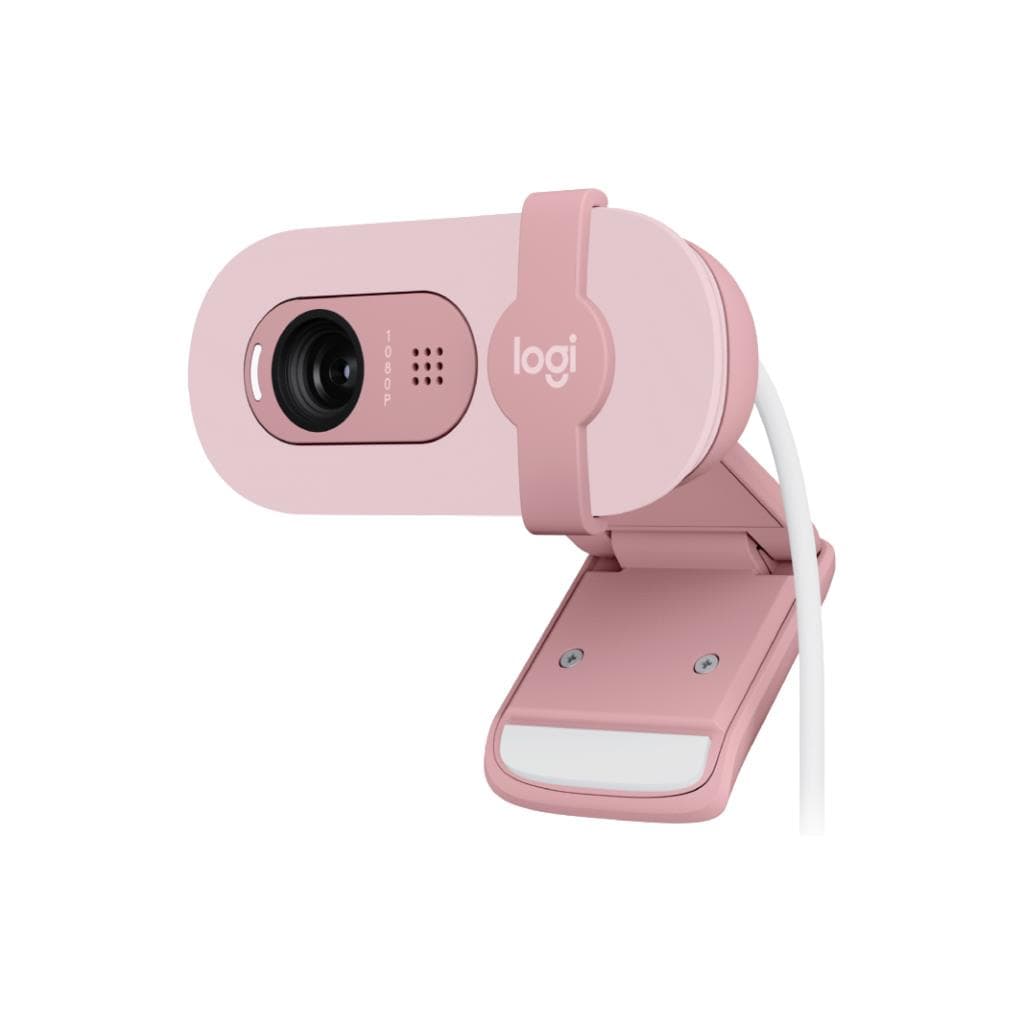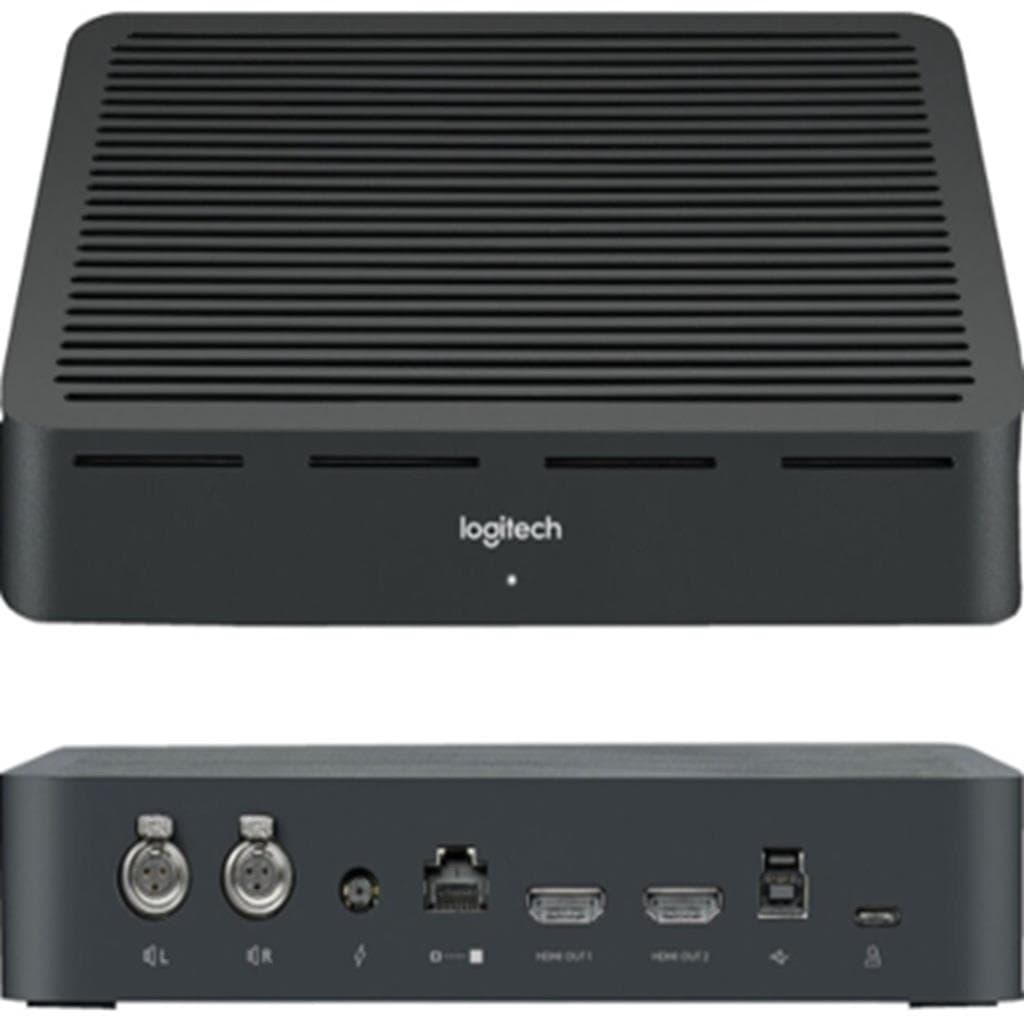


RAPOO C1612 HD Video Conference Camera Black
SKU: QCAM/C1612Gadgets & Accessories › Video Conferencing· Model: C1612· P/N: C1612.Black
Please enquire before ordering
The distributor has not yet confirmed the latest price and availability (last checked Jun 15, 2026)
092-251-4017Awaiting stock confirmation2 years manufacturer's warranty
GenuineFree delivery from ฿5,000Tax invoice
กล้องเว็บแคม HD สำหรับประชุมออนไลน์ รองรับการใช้งานทั้งในบ้านและออฟฟิศ ให้ภาพชัดเจนและเสียงคุณภาพสูง
Key features
- ความละเอียด HD 1080p ให้ภาพคมชัดสมจริง
- ไมโครโฟนสเตอริโอกรองเสียงรบกวนได้ดี
- ติดตั้งใช้งานง่ายด้วย USB-C
- รองรับแพลตฟอร์มวิดีโอคอลยอดนิยม
- ออกแบบมาเพื่อการประชุมออนไลน์ที่มืออาชีพ
Product description
RAPOO C1612 เป็นกล้องเว็บแคมสำหรับการประชุมออนไลน์ที่ออกแบบมาเพื่อประสิทธิภาพในการทำงานร่วมกันในยุคดิจิทัล โดยรองรับความละเอียด HD 1080p ที่ให้ภาพคมชัดแม้ในสภาพแสงน้อย กล้องมาพร้อมไมโครโฟนสเตอริโอที่สามารถกรองเสียงรบกวนได้อย่างมีประสิทธิภาพ ทำให้การสื่อสารผ่านวิดีโอคอลมีความชัดเจนและเป็นธรรมชาติ กล้องสามารถตั้งค่าได้ง่ายด้วยการเสียบสาย USB-C เข้ากับแล็ปท็อปหรือคอมพิวเตอร์ ไม่จำเป็นต้องติดตั้งซอฟต์แวร์เพิ่มเติม ใช้งานได้ทันทีกับแพลตฟอร์มยอดนิยม เช่น Zoom, Microsoft Teams และ Google Meet
Pros and limitations
Pros
- ภาพคมชัดระดับ HD 1080p แม้ในแสงน้อย
- ไมโครโฟนสเตอริโอกรองเสียงรบกวนได้ดี
- ติดตั้งใช้งานได้ทันที ไม่ต้องติดตั้งซอฟต์แวร์เพิ่มเติม
- รองรับระบบปฏิบัติการหลากหลาย
- น้ำหนักเบา พกพาสะดวก
Limitations
- ไม่มีไฟ LED แจ้งสถานะกล้อง
- ไม่รองรับการปรับมุมกล้องแบบอัตโนมัติ
Who it is for
เหมาะสำหรับพนักงานที่ทำงานจากที่บ้าน ครูอาจารย์สอนออนไลน์ และผู้ใช้งานทั่วไปที่ต้องการภาพและเสียงชัดเจนในการประชุมออนไลน์
Color
Black
Connectivity
USB
Specifications (13)
- สี
- ดำ
- พอร์ต
- USB-C
- เลนส์
- f/2.0 aperture
- น้ำหนัก
- 180 กรัม
- ไมโครโฟน
- สเตอริโอ 2 ตัว
- ขนาดกล้อง
- 85 x 65 x 45 mm
- อัตราการรีเฟรช
- 30 fps
- เซ็นเซอร์
- CMOS
- ความละเอียด
- 1920 x 1080
- มุมมองกล้อง
- 78°
- การรับประกัน
- 2 ปี
- การกรองเสียงรบกวน
- ใช่
- รองรับระบบปฏิบัติการ
- Windows 10/11, macOS, Linux, Chrome OS
Datasheets and manuals straight from the manufacturer — select a document to open or download it.
10 questions
Frequently asked questions about this product
Compiled from manufacturer information
RAPOO C1612 ใช้กับ Mac ได้ไหม?
ใช่ กล้องนี้รองรับ macOS ทุกรุ่นที่มีพอร์ต USB-C และสามารถใช้งานได้ทันทีกับแอปพลิเคชันวิดีโอคอล เช่น Zoom และ Microsoft Teams โดยไม่ต้องติดตั้งไดรเวอร์เพิ่มเติม
กล้องนี้ใช้กับ Google Meet ได้หรือไม่?
ได้แน่นอน RAPOO C1612 เป็นกล้องที่รองรับมาตรฐาน UVC (USB Video Class) ทำให้สามารถใช้งานได้ทันทีกับ Google Meet โดยไม่ต้องติดตั้งซอฟต์แวร์ใด ๆ เพียงเสียบเข้ากับคอมพิวเตอร์ผ่านสาย USB-C
มุมมองกล้องของ C1612 มีขนาดเท่าไร?
กล้อง RAPOO C1612 มีมุมมองแนวนอน 78 องศา ซึ่งเพียงพอสำหรับการประชุมแบบเดี่ยวหรือกลุ่มเล็ก ๆ โดยไม่ต้องถอยห่างจากจอภาพมากนัก
กล้องนี้รองรับการใช้งานกับแล็ปท็อปที่มีพอร์ต USB-A ได้ไหม?
ไม่สามารถใช้งานได้โดยตรง เนื่องจากกล้องนี้ใช้พอร์ต USB-C โดยตรง แต่สามารถใช้สายแปลง USB-C to USB-A ได้ หากแล็ปท็อปของคุณรองรับการส่งวิดีโอผ่านพอร์ตนั้น
กล้องนี้มีระบบปรับแสงอัตโนมัติหรือไม่?
กล้อง RAPOO C1612 รองรับการปรับแสงอัตโนมัติ (Auto Exposure) เพื่อให้ภาพคงความชัดเจนแม้ในสภาพแวดล้อมที่มีแสงเปลี่ยนแปลง เช่น เปิดไฟหรือปิดไฟกะทันหัน
Is it in stock?
We are confirming the latest stock and price of the RAPOO C1612 HD Video Conference Camera Black with the distributor. Please contact us before ordering at 092-251-4017 or sales@gist.co.th.
How much does it cost?
The distributor has not yet confirmed the latest price and availability. Please contact us before ordering at 092-251-4017 or sales@gist.co.th.
How long is the warranty?
Warranty period: รับประกัน 2 ปี (manufacturer's terms). To make a warranty claim, call 092-251-4017 or 065-523-5262, or email sales@gist.co.th (Mon–Fri 9:00–18:00), then send the product with your order number to our head office, or bring it to the head office in person.
How long does delivery take?
Orders placed before 12:00 on a business day are delivered within 1–3 business days (Bangkok and vicinity) or 2–5 business days (other provinces). Free delivery on orders of ฿5,000 or more (a ฿150 delivery fee applies below this amount).
Is it genuine?
Genuine products sourced from distributors in Thailand, covered by the manufacturer's warranty. Full tax invoices are available.
Didn't find the answer you need?
Loading reviews…
Genuine products
Sourced from distributors in Thailand and covered by the manufacturer's warranty
Warranty period
รับประกัน 2 ปี
Covered by the manufacturer's warranty; you can make claims through GIST
Claims through GIST
Ship the product to our head office or bring it in person
Warranty conditions
- A receipt or other proof of purchase is required
- The product must not have been modified or altered
- Damage caused by misuse is not covered by the warranty
- To make a warranty claim, call 092-251-4017 or 065-523-5262, or email sales@gist.co.th (Mon–Fri 9:00–18:00), then send the product with your order number to our head office, or bring it to the head office in person.Head office: 554 Sky Nine Center, Floor 12A, Room 554/62, Asok-Din Daeng Road, Din Daeng Subdistrict, Din Daeng District, Bangkok 10400
More in Video Conferencing