


RAPOO XD10 USB-C Multi-Functional Docking Station (HDMI)
SKU: XD10Gadgets & Accessories › Accessories
฿216
Price includes 7% VATPrice updated November 1, 2026
In stock1 year manufacturer's warranty
For orders placed before 12:00 on a business day; weekends excluded
GenuineFree delivery from ฿5,000Tax invoice
อะแดปเตอร์แปลงพอร์ต USB-C เป็น HDMI และพอร์ตต่อพ่วงอื่นๆ ช่วยให้เชื่อมต่อแล็ปท็อปหรืออุปกรณ์ USB-C กับจอภาพ, เมาส์, คีย์บอร์ด และอุปกรณ์ต่อพ่วงได้อย่างสะดวก
Key features
- รองรับ HDMI ความละเอียดสูง 4K@30Hz
- เชื่อมต่ออุปกรณ์ได้พร้อมกันหลายชิ้นผ่านพอร์ตเดียว
- ใช้งานง่าย ไม่ต้องติดตั้งไดรเวอร์
- ขนาดกะทัดรัด พกพาสะดวก
- รองรับอุปกรณ์ USB-C ทุกรุ่นที่มีฟีเจอร์ DisplayPort Alt Mode
Product description
RAPOO XD10 เป็นอะแดปเตอร์แปลงพอร์ต USB-C แบบมัลติฟังก์ชันที่ออกแบบมาเพื่อเพิ่มประสิทธิภาพการทำงานของแล็ปท็อปหรือแท็บเล็ตที่ใช้พอร์ต USB-C โดยสามารถเชื่อมต่อหน้าจอหลักผ่าน HDMI ความละเอียดสูงได้พร้อมกับการเชื่อมต่ออุปกรณ์เสริมอื่นๆ อย่างคีย์บอร์ด เมาส์ และฮาร์ดดิสก์ภายนอก รองรับการใช้งานแบบพกพาหรือตั้งโต๊ะได้อย่างสะดวก ไม่ต้องพกสายหลายเส้น ช่วยให้ทุกอย่างเป็นระเบียบและทำงานได้เต็มประสิทธิภาพ
Pros and limitations
Pros
- เชื่อมต่อได้หลายอุปกรณ์พร้อมกันผ่านพอร์ตเดียว
- รองรับความละเอียดจอสูง 4K@30Hz สำหรับงานกราฟิกและวิดีโอ
- ขนาดเล็ก พกพาไปทำงานได้ทุกที่
- ไม่ต้องติดตั้งไดรเวอร์ ใช้งานได้ทันที
- ออกแบบให้ใช้งานได้กับแล็ปท็อปทุกรุ่นที่มี USB-C + DisplayPort Alt Mode
Limitations
- ไม่รองรับการชาร์จไฟกลับไปยังแล็ปท็อป
- ไม่รองรับ Ethernet หรือ SD Card Reader
- ความละเอียดจอสูงสุด 4K@30Hz เท่านั้น ไม่รองรับ 60Hz
Who it is for
เหมาะสำหรับผู้ใช้แล็ปท็อปหรือแท็บเล็ตที่มีพอร์ต USB-C เท่านั้น ต้องการเชื่อมต่อจอภาพใหญ่พร้อมอุปกรณ์เสริม เช่น เมาส์ คีย์บอร์ด และแฟลชไดรฟ์ ได้ในตัวเดียว
Connectivity
USB-C, HDMI
Specifications (14)
- สี
- ดำ
- พอร์ต
- HDMI x1, USB-A 3.0 x2, USB-C 3.0 (DP-Alt) x1
- วัสดุ
- พลาสติก ABS
- ขนาด (mm)
- 120 x 65 x 25
- น้ำหนัก (g)
- 180
- ความละเอียด
- 4K@30Hz
- การรับประกัน
- 1 ปี
- รองรับการเชื่อมต่อ HDMI
- ใช่
- ความเร็วการส่งข้อมูล USB-A 3.0
- 5 Gbps
- ความเร็วการส่งข้อมูล USB-C 3.0
- 5 Gbps
- รองรับการเชื่อมต่อ DisplayPort Alt Mode
- ใช่
- รองรับการเชื่อมต่อแฟลชไดรฟ์
- ใช่
- รองรับการเชื่อมต่อคีย์บอร์ด/เมาส์
- ใช่
- รองรับการเชื่อมต่อฮาร์ดดิสก์ภายนอก
- ใช่
Datasheets and manuals straight from the manufacturer — select a document to open or download it.
13 questions
Frequently asked questions about this product
Compiled from manufacturer information
XD10 รองรับการเชื่อมต่อจอภาพ 4K ได้ไหม?
ใช่ RAPOO XD10 รองรับความละเอียดจอสูงสุด 4K@30Hz ผ่านพอร์ต HDMI สามารถใช้งานกับแล็ปท็อปหรือแท็บเล็ตที่มีพอร์ต USB-C และรองรับ DisplayPort Alt Mode ได้ทันที
ใช้ XD10 กับแล็ปท็อปที่ไม่มี HDMI ได้ไหม?
ได้แน่นอน RAPOO XD10 ถูกออกแบบมาเพื่อแปลงพอร์ต USB-C เป็น HDMI โดยเฉพาะ จึงสามารถเชื่อมต่อจอภาพภายนอกได้ทันที แม้แล็ปท็อปจะไม่มีพอร์ต HDMI มาให้
XD10 ชาร์จแบตเตอรี่แล็ปท็อปได้ไหม?
ไม่รองรับการชาร์จไฟกลับไปยังแล็ปท็อป เนื่องจากไม่มีข้อมูลระบุในสเปค จึงถือว่าไม่สามารถใช้งานฟีเจอร์ชาร์จผ่านพอร์ต USB-C ได้
XD10 มีพอร์ต Ethernet หรือ SD Card Reader ไหม?
ไม่มีพอร์ต Ethernet หรือ SD Card Reader ในตัว RAPOO XD10 มีเพียง HDMI, USB-A 3.0 และ USB-C (DP-Alt) เท่านั้น หากต้องการใช้งานอินเทอร์เน็ตความเร็วสูงหรืออ่านการ์ด SD ต้องใช้อุปกรณ์เสริมเพิ่มเติม
XD10 ใช้กับแล็ปท็อปทุกรุ่นได้ไหม?
ใช้งานได้กับแล็ปท็อปที่มีพอร์ต USB-C และรองรับโหมด DisplayPort Alt Mode เท่านั้น เช่น MacBook, Dell XPS, Lenovo ThinkPad บางรุ่น หรือ Windows 10/11 ที่รองรับฟีเจอร์นี้
XD10 รองรับการเชื่อมต่อจอภาพสองหน้าจอได้ไหม?
ไม่มีข้อมูลระบุในสเปคเกี่ยวกับการรองรับจอภาพหลายหน้าจอ จึงถือว่าไม่รองรับการเชื่อมต่อจอภาพสองหน้าจอพร้อมกัน
XD10 ใช้กับแท็บเล็ตได้ไหม?
ได้ หากแท็บเล็ตมีพอร์ต USB-C และรองรับโหมด DisplayPort Alt Mode เช่น Samsung Galaxy Tab S8 หรือ iPad Pro (2022) สามารถเชื่อมต่อจอภาพภายนอกผ่าน XD10 ได้ทันที
XD10 มีสายชาร์จในกล่องไหม?
ไม่มีข้อมูลระบุว่ามีสายชาร์จในกล่อง จึงถือว่าไม่รวมสายชาร์จ ผู้ใช้ต้องเตรียมสาย USB-C ที่รองรับการส่งข้อมูลและวิดีโอเอง
Is it in stock?
The RAPOO XD10 USB-C Multi-Functional Docking Station (HDMI) is in stock and ready to ship. Orders placed before 12:00 on a business day are delivered within 1–3 business days (Bangkok and vicinity) or 2–5 business days (other provinces). Order online at store.gist.co.th or contact our sales team at 092-251-4017.
How much does it cost?
The price is ฿216 (including 7% VAT). It is in stock and ready to ship. Business customers can request a quotation at sales@gist.co.th.
How long is the warranty?
Warranty period: รับประกัน 1 ปี (manufacturer's terms). To make a warranty claim, call 092-251-4017 or 065-523-5262, or email sales@gist.co.th (Mon–Fri 9:00–18:00), then send the product with your order number to our head office, or bring it to the head office in person.
How long does delivery take?
Orders placed before 12:00 on a business day are delivered within 1–3 business days (Bangkok and vicinity) or 2–5 business days (other provinces). Free delivery on orders of ฿5,000 or more (a ฿150 delivery fee applies below this amount).
Is it genuine?
Genuine products sourced from distributors in Thailand, covered by the manufacturer's warranty. Full tax invoices are available.
Didn't find the answer you need?
Loading reviews…
Genuine products
Sourced from distributors in Thailand and covered by the manufacturer's warranty
Warranty period
รับประกัน 1 ปี
Covered by the manufacturer's warranty; you can make claims through GIST
Claims through GIST
Ship the product to our head office or bring it in person
Warranty conditions
- A receipt or other proof of purchase is required
- The product must not have been modified or altered
- Damage caused by misuse is not covered by the warranty
- To make a warranty claim, call 092-251-4017 or 065-523-5262, or email sales@gist.co.th (Mon–Fri 9:00–18:00), then send the product with your order number to our head office, or bring it to the head office in person.Head office: 554 Sky Nine Center, Floor 12A, Room 554/62, Asok-Din Daeng Road, Din Daeng Subdistrict, Din Daeng District, Bangkok 10400
More in Accessories
Logitech
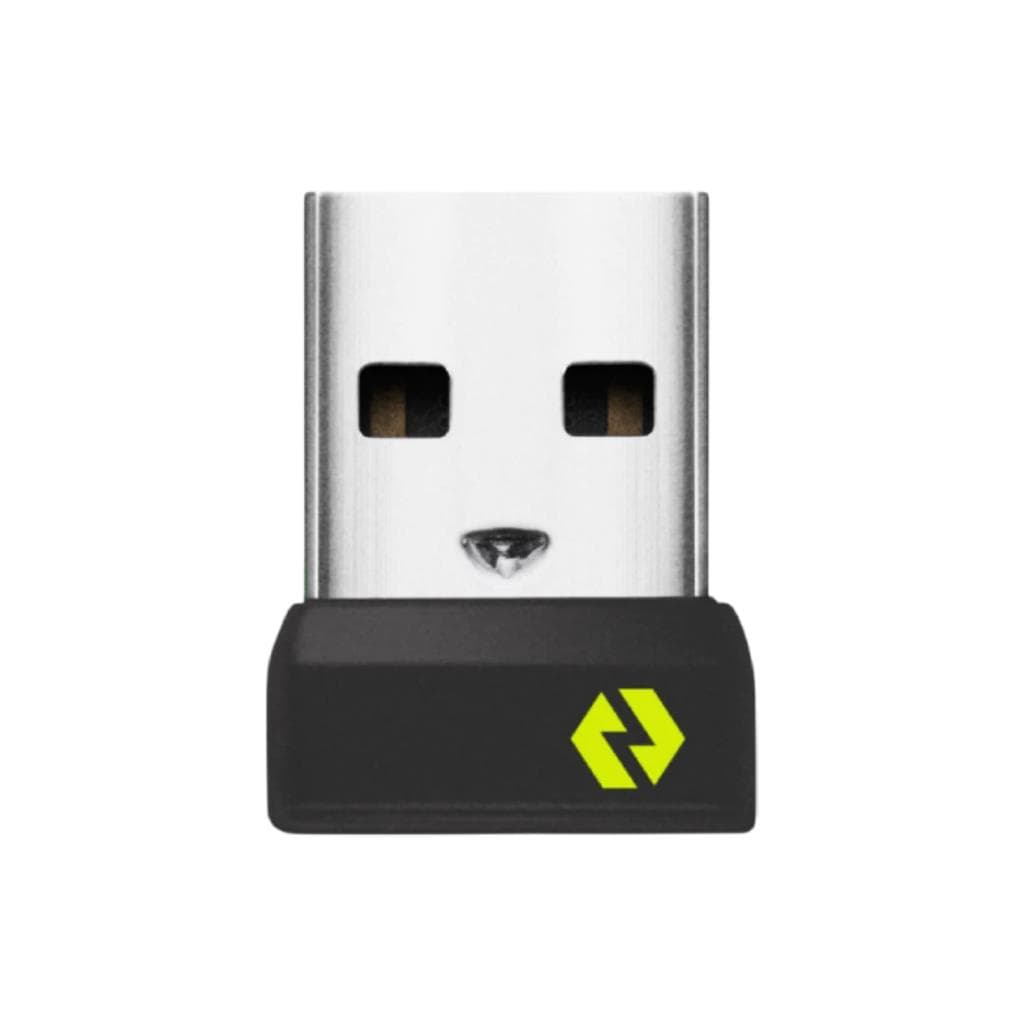
LOGITECH BOLT USB RECEIVER (Graphite) - Wireless Receiver for Mouse & Keyboard
Price on request

Price
฿216